The 10 Best AI Photo Editors in 2026 (Tested & Compared)
Before AI became popular, exchanging backgrounds or deleting strangers from vacation photos in conventional software such as Photoshop often took an hour. Now, with the rapid iteration of AI photo editors, it can be completed in seconds, usually with just one sentence, such as' delete people in the background '
The most difficult problem now is that users face choices. There are now hundreds of AI photo editors, most of which promise the same thing: one click retouching, background removal, and "magic" editing. Some people are really great. Others hide basic features behind expensive subscriptions or add watermarks every time they export. This makes people very hesitant.
To eliminate infection factors, we tested 10 AI photo editors within a week, running the same portraits, product photos, landscapes, and old home photos in each editor. This guide covers 10 of the best AI photo editors currently available, each with their strengths and who should use them.
Quick conclusion: AIFaceswap AI photo editor is our top choice for facial and portrait editing. If you don't want to create an account, EzMaker AI photo editor is the best free option. Adobe Firefly is the best choice for professionals who require high-quality generative editing and can be used commercially.
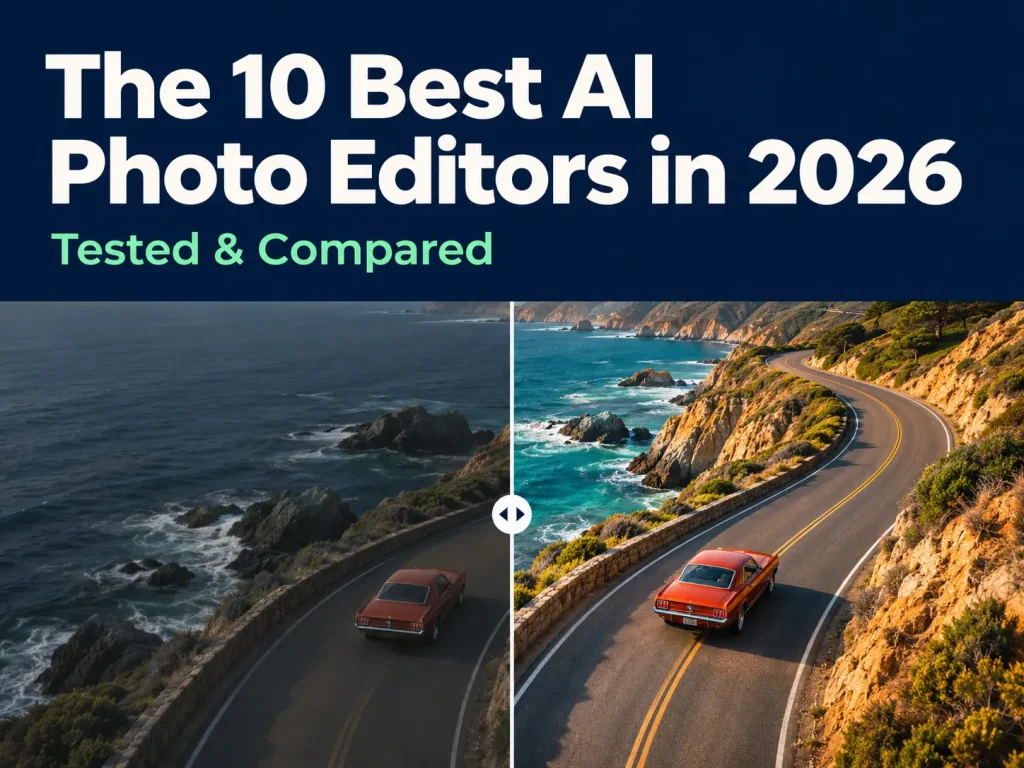
Top AI Photo Editor at a Glance
Here is a list of 10 best AI photo editors for you to easily understand their comparisons in terms of use cases, platforms, and prices.
| # | AI photo editor | Free option | Best for | Standout AI feature | Platforms |
| 1 | AIFaceswap AI Photo Editor | 10 free credits on sign-up | Face & portrait creative edits | Photo, GIF, and video face swap | Web |
| 2 | DeepAI Photo Editor | Limited | Prompt-based edits & developers | Text-prompt editing + API | Web, API |
| 3 | Picsart AI Photo Editor | Yes | Mobile editing for social creators | AI effects and templates | iOS, Android, Web |
| 4 | Adobe Firefly AI Photo Editor | Limited credits | Pro-quality generative edits | Generative Fill & Expand | Web, Photoshop |
| 5 | EzMaker AI Photo Editor | Yes, no account needed | Free editing with no sign-up | Object & watermark removal | Web |
| 6 | Canva AI Photo Editor | Yes | Design & social graphics | Magic Edit inside templates | Web, iOS, Android, desktop |
| 7 | Pixlr AI Photo Editor | Yes | Browser-based all-rounder | Generative Fill, background removal | Web, iOS, Android |
| 8 | Photoroom AI Photo Editor | Yes | E-commerce product photos | AI backgrounds for products | iOS, Android, Web |
| 9 | Fotor AI Photo Editor | Yes | Cross-platform all-in-one | Editing + design in one app | Web, iOS, Android, Windows, Mac |
| 10 | Magic Hour AI Photo Editor | Yes, no sign-up | Photo-to-video workflows | Prompt edits, no watermark | Web, API |
What Is An AI Photo Editor?
AI photo editor is a tool that uses AI to automatically edit images, requiring only one click processing or simple descriptive instructions. No need to manually adjust sliders, layers, and masks, just tell the tool what you want and it will change the image.
So far, most of the AI photo editors I have tested can handle the following tasks:
- Partial redrawing, telling the tool to add objects or change the color at which position
- Background removal and replacement: Cut a theme and place it in a new scene
- Object deletion: Remove characters, text, or watermarks, logos
- Portrait retouching and facial editing: smoothing skin, fixing lighting, or swapping faces
- Enhance and enlarge: Sharpen blurry photos and restore old ones
Of course, we also need to be clear that the results of AI editing will definitely not have the editing effect of professional skills.
How Do We Test And Rank
We run the same test images using each tool: portraits, group photos, product photos on cluttered backgrounds, landscapes, and scanned old photos. Each editor is rated based on six criteria:
1. Output quality: Does the editing look natural or is it clearly generated by artificial intelligence?
2. Speed: How long does it take from upload to download?
3. Usability: Can first-time users achieve good results without tutorials?
4. Free Plan: What can be done before payment, is there a watermark on the export?
5. Value for money: Is the paid plan worth it compared to other options?
6. Privacy and Permission: Is the upload intended for artificial intelligence training? Can you use the results commercially?
The 10 Best AI Photo Editors in 2026
1. AIFaceswap AI Photo Editor: Best for Face and Portrait Creative Edits
AIFaceswap AI photo editor ranks first because it does something that most ordinary editors can't do well: realistic facial editing. It was originally a facial swapping tool and has now evolved into a browser based portrait, group photo, GIF, and even video editor without the need to download an application. Moreover, it now has strong capabilities for normal image editing and supports all well-known image models currently available.
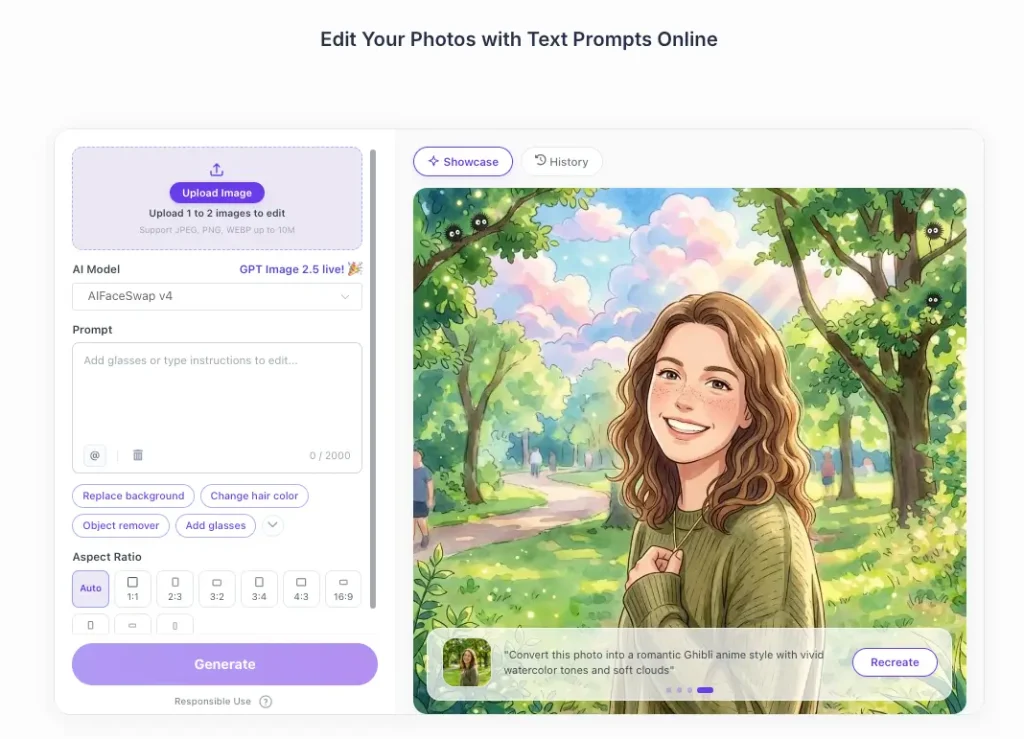
Main features:
- One click weight loss achieved through AI.
- One click change of hairstyle and color for the person in the photo.
- Virtual try on of different styles of clothes.
- One click addition of objects without affecting the original content of the image.
- Add details to the image to make it look clearer.
- One click change of image style, anime, cartoon, pixel style, etc.
- Batch processing, editing group photos or multiple images at once.
- Suitable for any modern browser on Windows, macOS, iOS, and Android.
Pros:
- The lighting, facial expressions, and appearance are natural and do not affect the overall image effect.
- No editing skills are required, just a few clicks are enough.
- Support various well-known image models.
- The processing speed is very fast. It can be completed in 3 seconds.
Cons:
- The free credit limit is limited, and a large amount of usage requires purchasing a credit limit.
Pricing:
- New users can receive 10 free points upon registration. Adopting a universal strategy of free credit points and paid credit points, free credit points can be claimed daily and used for image editing.
- You can also choose to purchase a credit sub package, which currently costs $6.99/500 credits,7.99$/800 credits, 15.99$/1800 credits, 34.99$/5000 credits, 168.35$/32000 credits.
2. DeepAI Photo Editor: Best for Prompt-Based Edits and Developers
As is well known, DeepAI is one of the earliest consumer oriented AI platforms, and its photo editor reflects this tradition. You upload an image, type in the content you want to change, and the model will apply editing. Developers can also call the same editor through DeepAI API.
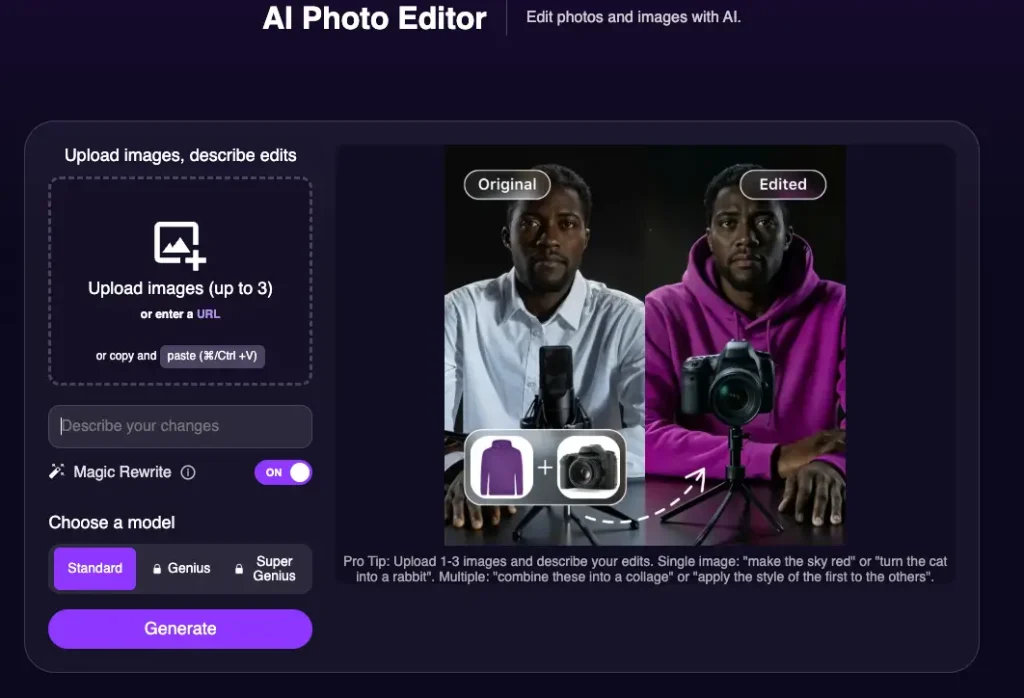
Main features:
- Edit photos through text.
- Provide API images for developers to build their own applications.
- Access DeepAI's broader toolkit, including image generation, colorization, and super-resolution.
Pros:
- Simple prompt-in, image-out workflow; easy API integration; one account covers many AI tools.
Cons:
- The photo editor is limited to DeepAI Pro members; fewer fine-control options than dedicated editors.
Pricing:
- Requires a DeepAI Pro subscription 7.5$/month; API usage is billed separately.
3. Picsart AI Photo Editor: Best Mobile App for Social Creators
I’ve used Picsart mostly on my phone, especially when I need to quickly edit something before posting it on Instagram, TikTok, or YouTube. It has a lot of handy AI tools, plus tons of templates, stickers, and effects to play around with. Pretty convenient if you like creating content without switching between different apps.
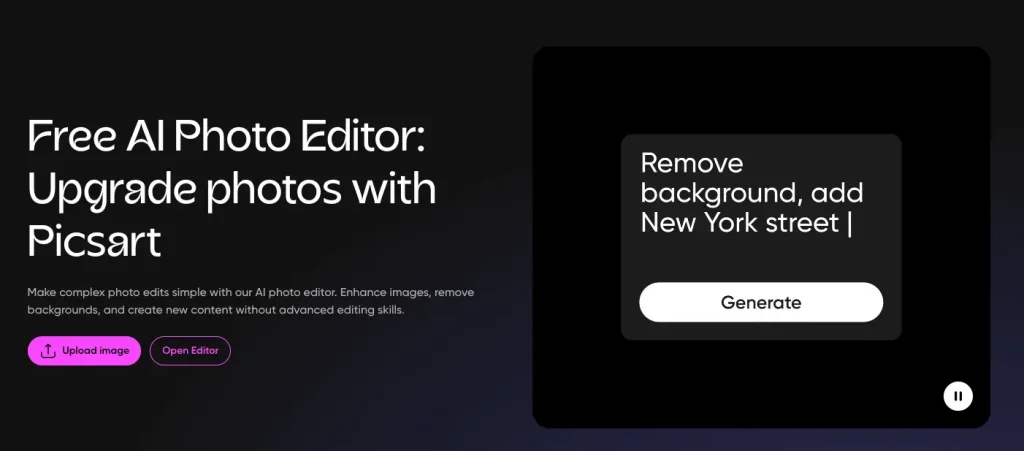
Main features:
- AI background removal and replacement.
- AI enhance and retouch tools for selfies.
- AI effects, filters, and style transfer.
- Ready-made templates sized for every social platform.
Pros:
- Polished mobile experience; huge creative library; fast from edit to post.
Cons:
- The interface can feel crowded; many of the best effects require a paid plan.
Pricing:
- Free plan available; paid plans: pro 10.5$/month, Ultra 60$/month.
4. Adobe Firefly AI Photo Editor: Best for Pro-Quality Generative Edits
I have actually used Adobe Firefly, which is indeed a very mature AI image editing tool. It can be used directly on web pages or in conjunction with Photoshop, making editing more flexible. Compared to other tools, it gives me the feeling of stronger controllability, especially suitable for professional users who have requirements for image quality or need to use it for formal commercial projects.
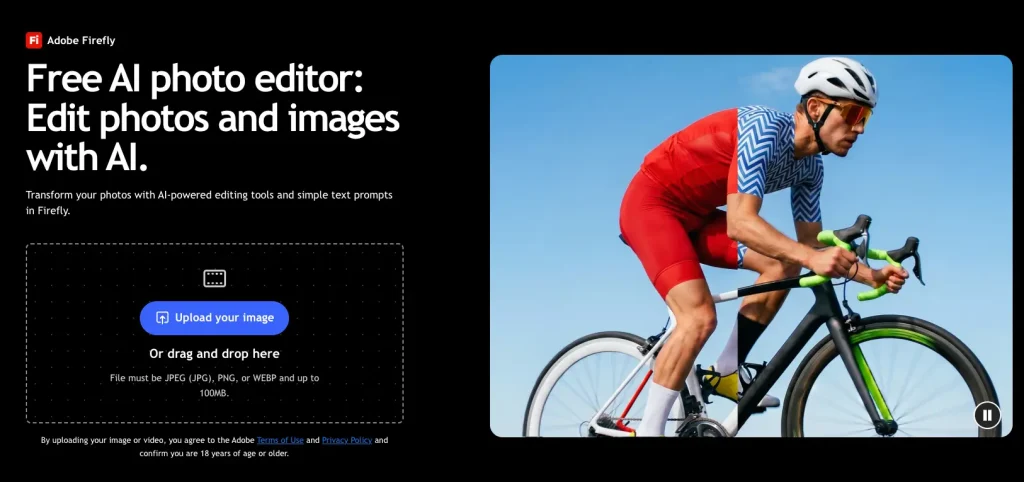
Main features:
- Generative Fill to add, remove, or replace objects from a prompt.
- Generative Expand to extend an image beyond its original frame.
- Tight integration with Photoshop and the rest of Adobe Creative Cloud.
- Models trained with commercial use in mind.
Pros:
- Top-tier output quality; precise control; strong position on commercial licensing.
Cons:
- Generative credits run out quickly on lower plans; steeper learning curve once you move into Photoshop.
Pricing:
- Free tier with limited credits; paid plans (Stanter 13.39/moth, pro 13.37$/moth plus 26.77$/moth).
5. EzMaker AI Photo Editor: Best Free AI Photo Editor with No Sign-Up
I tried EzMaker AI photo editor and found it pretty easy to use. It's a free online photo editor, and you can start editing right away without signing up. It's a handy option for creators, small business owners, and marketers who just want to make quick edits without paying for expensive editing software.
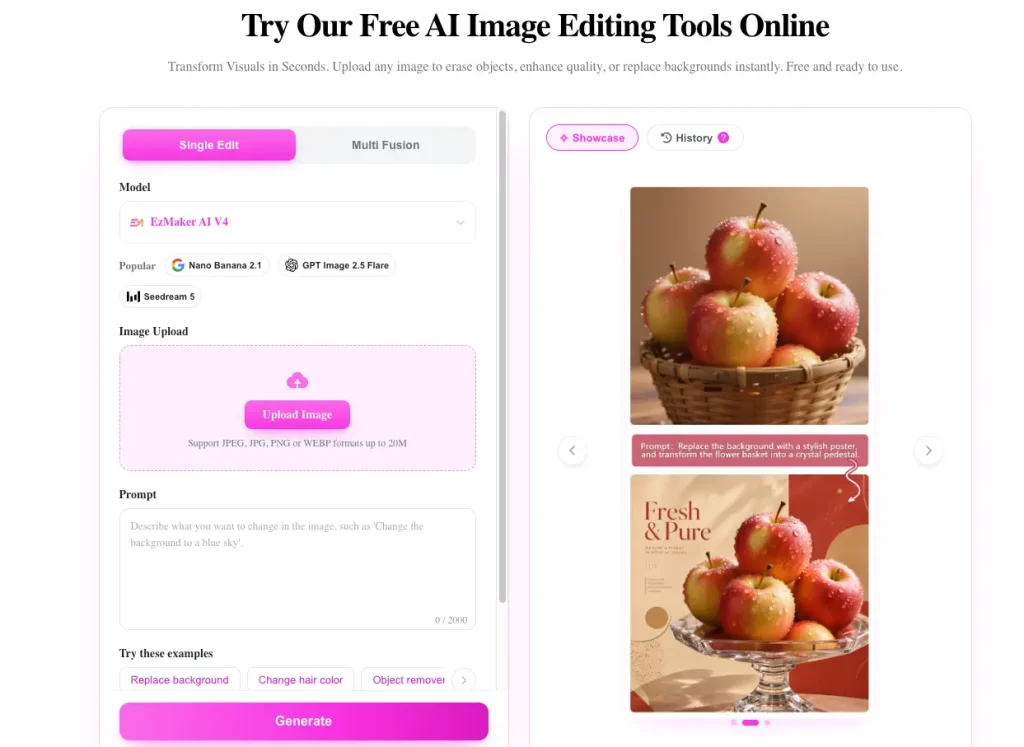
Main features:
- Magic eraser for removing objects and watermarks.
- One-click background removal.
- Automatic photo enhancement and retouching.
- Image-to-image editing from a text prompt.
- Batch processing for repeated edits.
Pros:
- Free to use; no sign-up or credit card required; fast processing.
Cons:
- Commercial-use terms are not clearly stated on its homepage; a newer product with a smaller track record.
Pricing:
- Free to use.
6. Canva AI Photo Editor: Best for Design and Social Graphics
I like that Canva’s AI photo editor is built right into its design platform. You can edit a photo and then use it directly in a social media post, flyer, or presentation without jumping between different apps. If you're not a designer, it makes the whole process much easier and saves quite a bit of time.
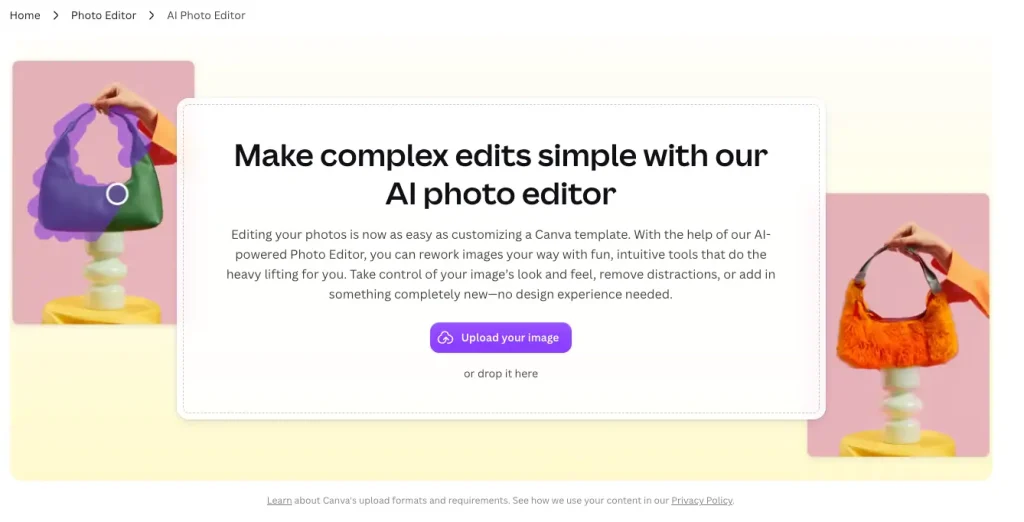
Main features:
- Magic Edit to change parts of an image from a text prompt.
- Magic Eraser for removing unwanted objects.
- One-click background remover.
- Magic Expand to resize images for any format.
Pros:
- Edit and design in one place; thousands of templates; easy team collaboration.
Cons:
- Less precise than a dedicated photo editor; the best AI tools need Canva Pro.
Pricing:
- Free plan available; Canva Pro 18$/moth, bussness 25$/month.
7. Pixlr AI Photo Editor: Best Browser-Based All-Rounder
I've used Pixlr on and off for a while, and it's nice to see how much AI has been added over the years. It works right in your browser or on mobile, so there's no need to install anything. You still get the familiar layer-based editing tools, but now there are also plenty of AI features that make quick edits much easier.
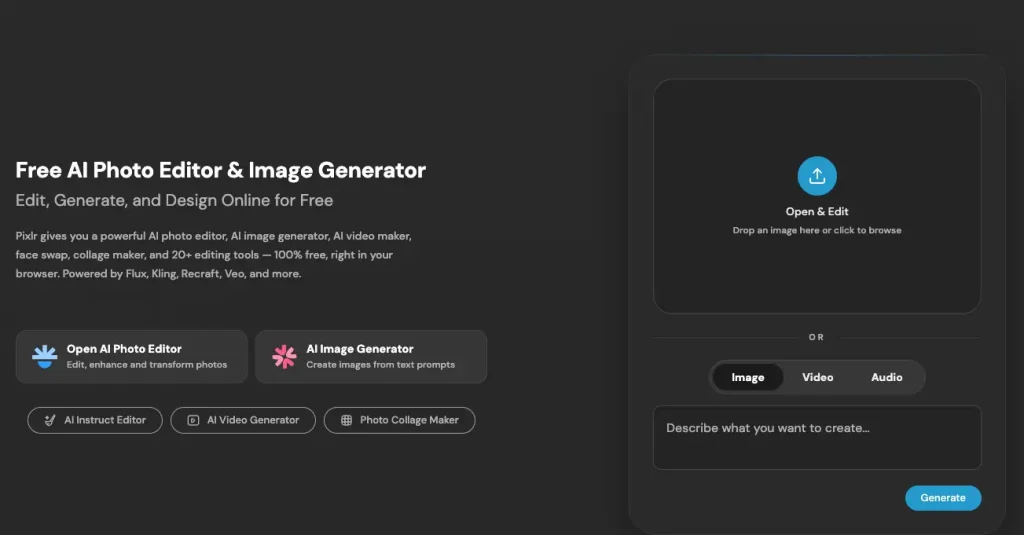
Main features:
- Generative Fill and Generative Expand.
- AI background removal.
- Object removal.
- AI-powered templates, collages, and social layouts.
Pros:
- No installation; familiar editing tools for those who want manual control; generous free tier.
Cons:
- Ads on the free version; generative results are less consistent than Firefly.
Pricing:
- Free plan available; paid plans (Plus 2.49$/month, 9.99$/month, 24.99$/month).
8. Photoroom AI Photo Editor: Best for E-commerce Product Photos
I tried Photoroom for a few product photos, and it made the whole process much easier. I just snapped a picture on my kitchen table, and it turned it into a clean white-background image or a nice lifestyle shot. Perfect for anyone selling on Amazon, Etsy, or Shopify without spending hours editing photos.
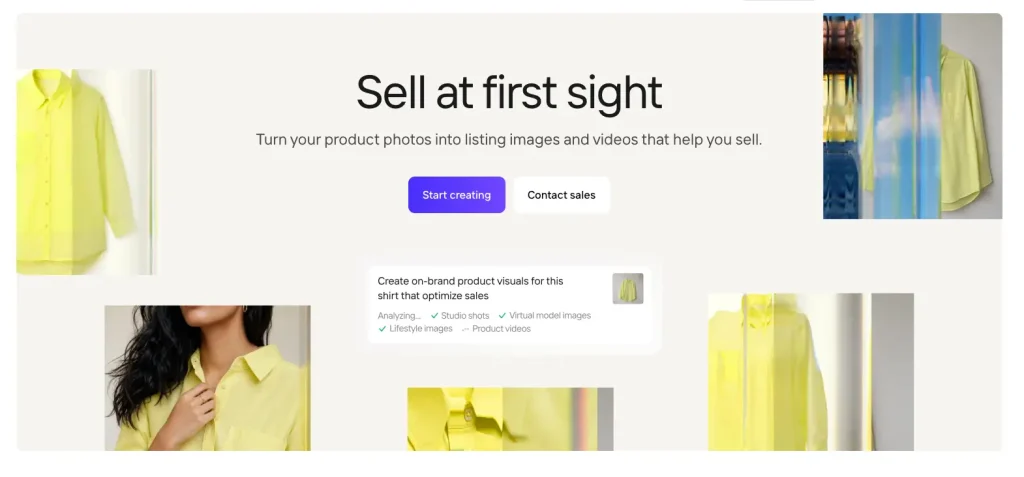
Main features:
- Instant background removal tuned for products.
- AI-generated backgrounds and lifestyle scenes.
- Batch editing for whole product catalogs.
- Templates sized for marketplaces.
Pros:
- Excellent cutouts on tricky edges; fast batch workflow; strong mobile app.
Cons:
- Less useful outside product photography; watermark on free exports.
Pricing:
- Free plan available; Photoroom Pro starts at $7.50/month billed yearly.
9. Fotor AI Photo Editor: Best Cross-Platform All-in-One
I tried Photoroom for a few product photos, and it made the whole process much easier. I just snapped a picture on my kitchen table, and it turned it into a clean white-background image or a nice lifestyle shot. Perfect for anyone selling on Amazon, Etsy, or Shopify without spending hours editing photos.
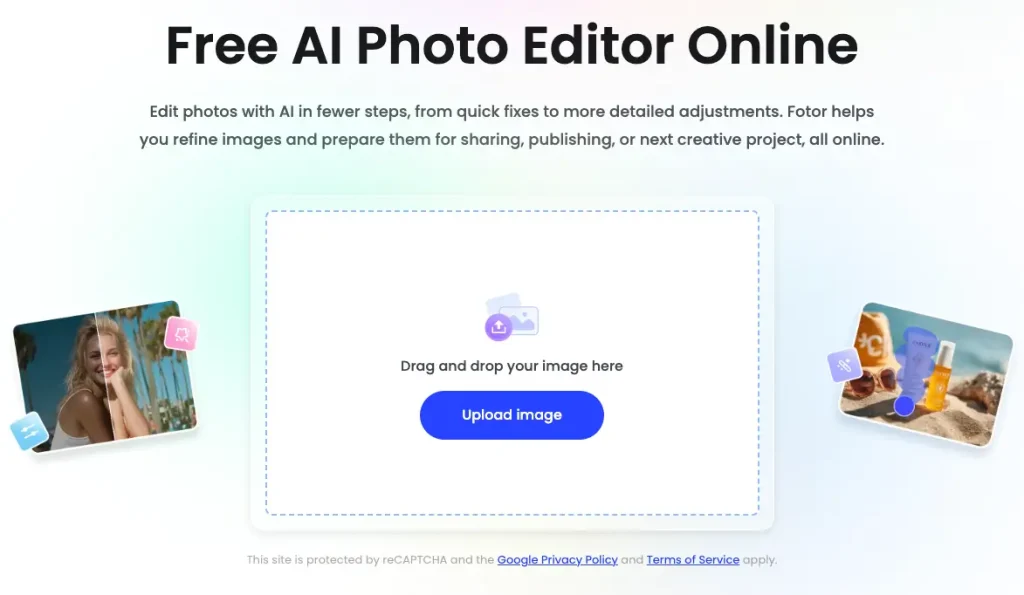
Main features:
- One-click AI enhancement
- AI background and object removal
- AI portrait retouching
- Design templates for social media and marketing
Pros:
- Works on every major platform; beginner-friendly; editing and design in one subscription.
Cons:
- Many AI tools sit behind the paid plan; advanced users may find it limiting.
Pricing:
- Free plan available; paid plans (pro 2.66$/month, 5.24$/month, 11.19$/month).
10. Magic Hour AI Photo Editor: Best for Photo-to-Video Workflows
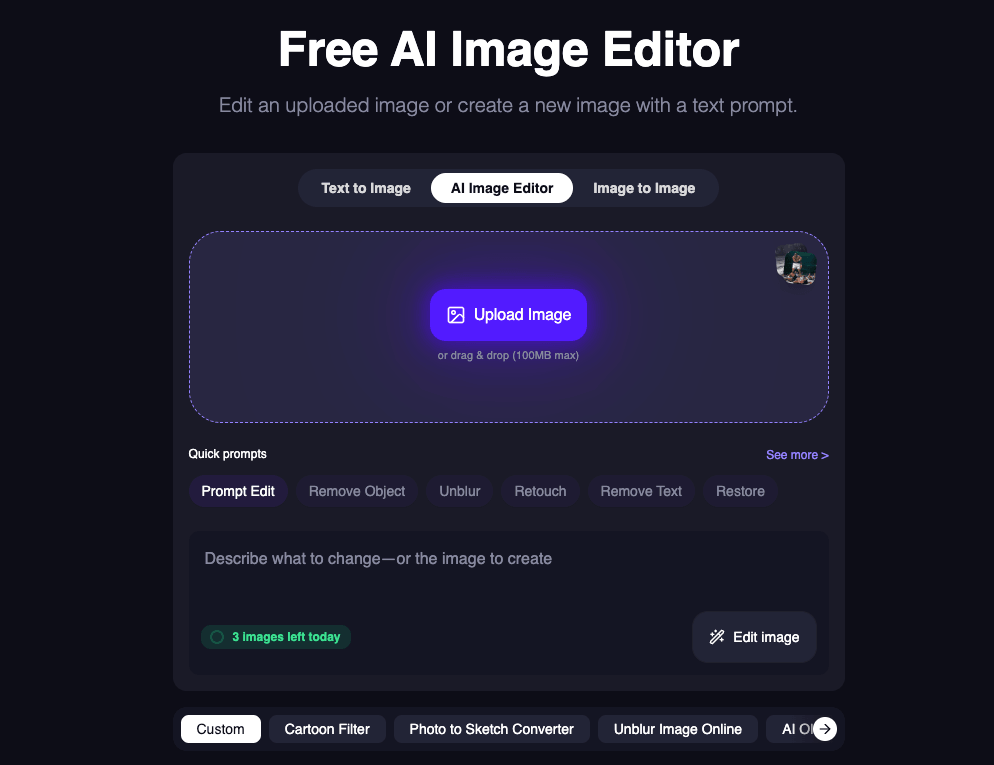
I gave Magic Hour a try, and what I liked most was that it does more than just edit photos. You can describe the changes you want, and its Seedream-powered editor does the work for you. Once you're happy with the result, you can even turn that same photo into a video without switching to another tool.
Main features:
- Prompt-based photo editing powered by Seedream.
- No watermark on results, even for free users without an account.
- Image Editor API for developers.
- Built-in Image to Video and other video tools for edited images.
Pros:
- Free, watermark-free results; states that it does not train on your uploads or outputs; easy to extend into video.
Cons:
- Not ideal for advanced editors who want precise manual control.
Pricing:
- Free to start; API pricing from $0.009 per image.
Best AI Photo Editor by Use Case
- Best overall for portraits and faces: AIFaceswap. Realistic face edits across photos, GIFs, and videos, with batch support for group shots.
- Best free AI photo editor: EzMaker AI. No sign-up, no credit card, and the core tools are free. Magic Hour is a strong runner-up thanks to its watermark-free results.
- Best for editing with text prompts: DeepAI or Magic Hour. Both let you describe the change in plain English. Choose DeepAI if you need an API in a broad AI toolkit, and Magic Hour if you want free results and a path to video.
- Best for professionals: Adobe Firefly. The highest-quality generative edits, deep Photoshop integration, and a clear stance on commercial use.
- Best AI photo editor app for mobile: Picsart. The most complete phone-first editing experience for social creators.
- Best for e-commerce: Photoroom. Product cutouts, AI backgrounds, and batch editing for whole catalogs.
- Best for social graphics: Canva. Edit your photo and turn it into a finished post in one place.
- Best for beginners: Pixlr or Fotor. Friendly interfaces, generous free tiers, and AI tools that work in one click.
How to Choose the Right AI Photo Editor
Answer these four questions in order:
- What is your budget? If it is zero, start with EzMaker AI, Magic Hour, Pixlr, or a free tier. If quality matters most, budget for Adobe Firefly.
- What will you edit most? Faces and portraits point to AIFaceswap; products point to Photoroom; social posts point to Canva or Picsart.
- How much control do you want? One-click and prompt tools are fastest. Firefly and Pixlr give you more manual control.
- Where do you edit? Phone-first users should choose Picsart or Photoroom. Fotor covers every platform.
Before you commit, check three things that are easy to miss:
- Commercial rights: Can you use the results in ads, product listings, or client work?
- Privacy: Does the tool use your uploads to train its AI models?
- Watermarks: Are free exports watermarked, and at what resolution can you download?
Final Thought
After trying a few AI photo editors, I’d say the best one really depends on what you need. If you're editing faces or portraits, AIFaceswap is worth checking out. For quick, free edits without signing up, EzMaker AI is a pretty easy option. Adobe Firefly makes more sense for professional work, Photoroom is great for product photos, and Magic Hour is worth a look if you want to turn photos into videos.
Most of them offer a free plan, so my advice is simple: upload the same photo to your top two choices and see which one gives you the results you like best.
Frequently Asked Questions
What is the best free AI photo editor?
EzMaker AI is the best free option if you want to edit without creating an account. Magic Hour is another strong choice because its results carry no watermark, even on the free plan.
Is there an AI photo editor with no sign-up?
Yes. EzMaker AI and Magic Hour both let you edit photos without creating an account.
Can I edit photos with text prompts?
Yes. DeepAI, Magic Hour, Adobe Firefly, and Canva's Magic Edit all let you describe the change in plain English, such as "replace the sky with a sunset."
Is Adobe Firefly worth it?
For professionals and anyone using edits commercially, yes. Its output quality and Photoshop integration are hard to match. Casual users may get enough from free tools.
Can I use AI-edited photos commercially?
It depends on the tool. Adobe Firefly is designed with commercial use in mind, while some free tools do not state their terms clearly. Always check a tool's terms of service before using results in ads or product listings.
What is the best AI photo editor app for iPhone and Android?
Picsart is the best all-round mobile app. Photoroom is the best mobile choice for product photos.