10 Best Image to Video AI Generators in 2026 (Free & Paid)
Author: Jackon Published on January 1, 2026
"With over 5 billion daily views on platforms like TikTok, Instagram, and YouTube, video is the most effective way to grab attention online. For creators and brands, it’s no longer just an option—it’s a requirement.
But let’s be honest: making professional videos is a grind. It usually requires cameras, lighting, editing software, and hours of work, making it tough for small teams or individuals to post consistently.
This is why image to video AI tools are so valuable. They turn static photos into dynamic videos with motion and effects in seconds. You don't need filming equipment or editing skills—just upload an image and let the AI handle the rest.
Below, we’ve rounded up the top 10 AI tools for the job. We'll break down how they work and help you decide which one fits your marketing or storytelling needs."
What Is an Image to Video Generator?
An image to video generator is an AI-based efficiency tool that can generate videos from images, eliminating the complex manual editing process required by traditional tools.
How Image-to-Video AI Works
"Basically, image to video AI brings photos to life by predicting how they should move. Instead of making you animate frame-by-frame, the AI analyzes your image and generates the movement automatically.
Under the hood, these image to video tools usually rely on Diffusion models and GANs. Think of Diffusion models as the engine for smooth, natural motion, while GANs focus on realism by pitting two neural networks against each other to refine the quality.
For the user, the process is straightforward. You upload an image, and the system maps out the subject, background, and lighting. Within minutes, it fills in the gaps to create a video—no animation skills needed."
Why Use Image to Video Tools?
Using image to video tools offers several clear advantages:
- ⚡ Speed: Create videos in minutes instead of days
- 💰 Cost-effective: No cameras, studios, or editing software needed
- 🎨 Creative freedom: Animate photos, illustrations, or designs
- 📱 Social media ready: Perfect for short-form content
- 🎯 Professional quality: AI-powered motion and effects
- 🌍 Accessibility: Anyone can use it—no technical background required
These benefits make image to video solutions ideal for fast-paced content creation and experimentation.
Common Use Cases
Image to video AI tools are widely used for social media content creation, marketing campaigns, and product demonstrations. They’re also popular in educational content, personal storytelling, and art or creative projects—helping users transform ideas into compelling videos quickly and affordably.
Top 10 Image to Video AI Generators in 2026
1.AIFaceSwap AI — Best Free Image to Video AI
AIFaceSwap AI is a powerful yet beginner-friendly image to video AI tool that excels at turning static images into animated videos with face animation and motion effects. It stands out as the best free video option for users who want high-quality results without upfront costs.
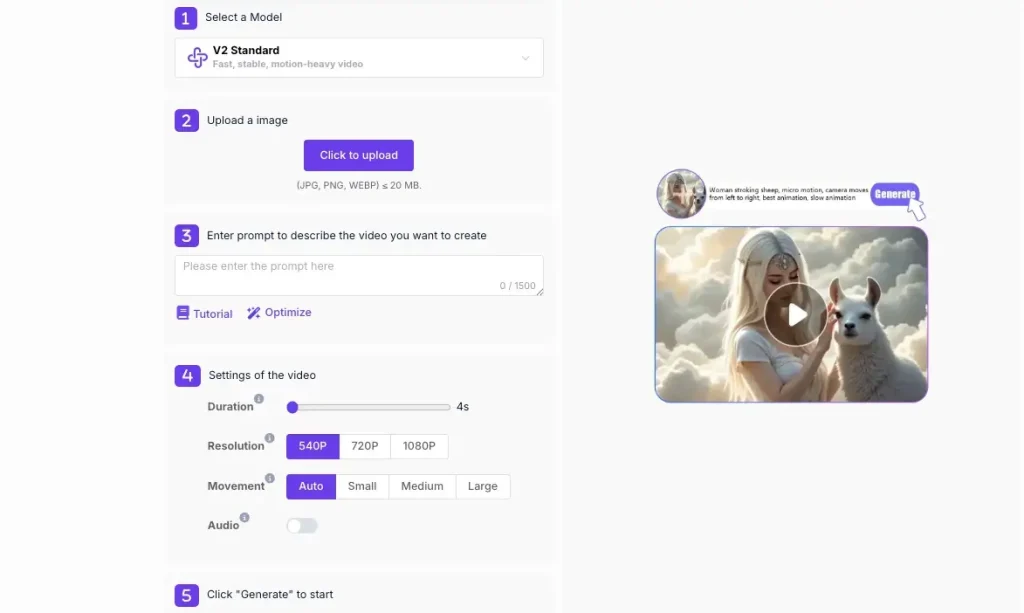
Key Features:
- Image-to-video generation with natural facial motion
- AI-powered face animation and lip-sync support
- Multiple animation styles for social media content
- Fast rendering optimized for short-form videos
Pros:
✅ More features in the free plan compared to competitors
✅ Simple and easy-to-use workflow, requiring no technical skills
✅ Excellent facial animation effects
✅ Generated results are watermark-free, and free credits can be claimed daily
Cons:
❌ Limited customization options for advanced users
❌ Overcrowded due to its free nature
Pricing:
- Free Plan: Limited video length, requires purchasing credits to continue using.
- Paid Plan: Starting at $6.99 for 500 credits (HD export, no watermark, priority processing).
Best for:
Content creators, marketers, and beginners looking for a free and visually impressive image-to-video solution. It's very affordable and requires no special skills. Additionally, you can use their unique face-swapping feature for free.
User Rating: ⭐⭐⭐⭐⭐ (4.8/5)
2.Runway AI – Overall Best
Runway AI is one of the most advanced video AI platforms, offering image-to-video, text-to-video, and comprehensive creative control features. It is widely used by professionals and studios.
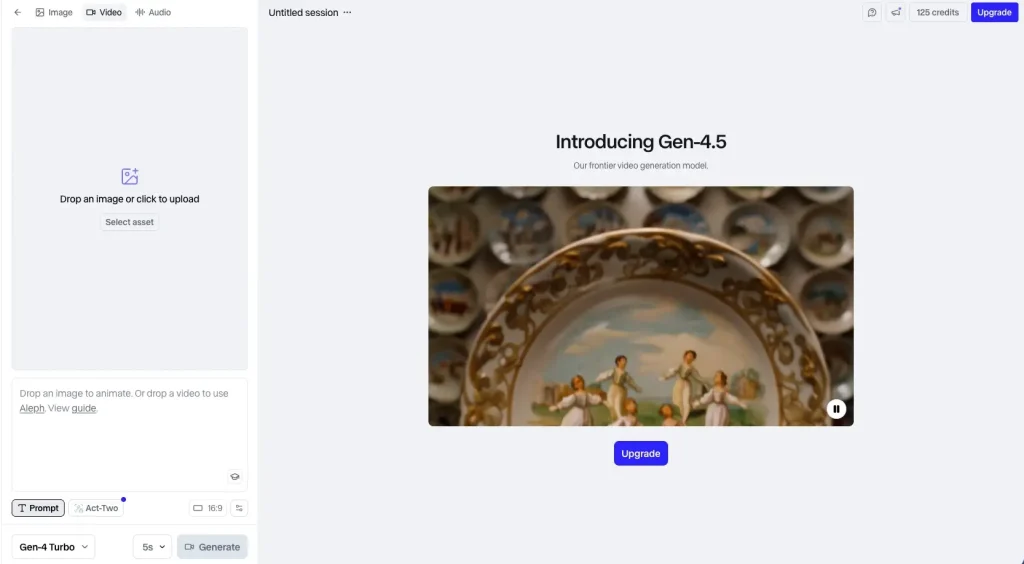
Key Features:
- Image-to-video generation with cinematic effects
- Advanced editing timeline
- Multiple AI video models
- Collaboration tools
Pros:
✅ Industry-leading quality
✅ Powerful editing capabilities
✅ Versatile AI models
Cons:
❌ Steep learning curve
❌ Relatively expensive
❌ Long waiting times for videos longer than 60 seconds
❌ Inconsistent image quality and effects, with occasional glitches
Pricing:
- Free plan: Limited credits, lower resolution
- Paid plans: Starting at $15 per month (HD, advanced models)
Best for:
Professionals and creative teams. Not suitable for beginners.
User Rating: ⭐⭐⭐⭐⭐ (4.5/5)
3.Kling AI – The Top Choice for Realistic Dynamic Effects
Kling AI focuses on ultra-realistic motion and physics effects, capable of generating videos that closely resemble real-world movement.
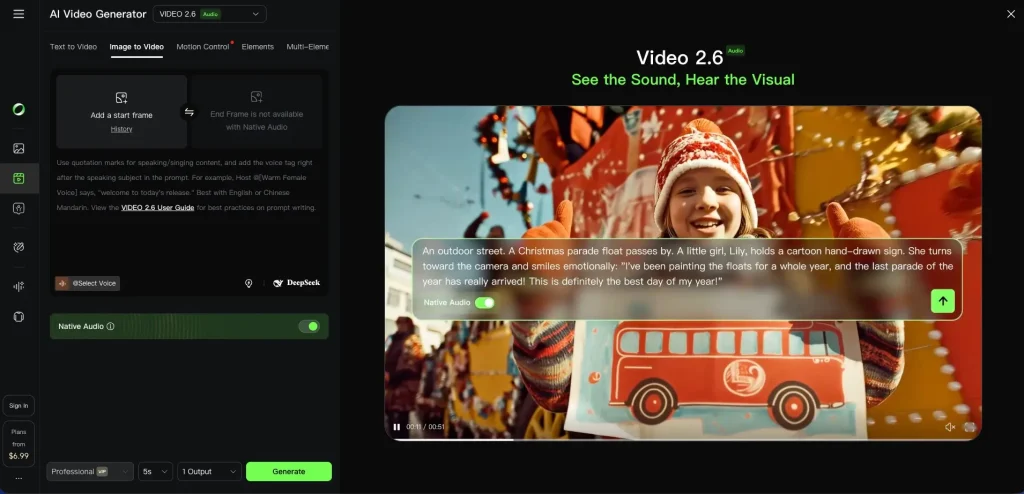
Key Features:
- Ultra-realistic animation
- Strong temporal consistency
- Generates videos based on images and simulates depth of field effects
- High frame rate stability
Advantages:
✅ Extremely realistic motion effects
✅ High visual fidelity
✅ Powerful AI modeling capabilities
Disadvantages:
❌ Limited public access
❌ Slower generation speed
❌ Complex product features, difficult to master
Pricing:
- Free Plan: Limited features and requires login
- Paid Plans: Varying prices (by invitation only)
Suitable for:
Creators and filmmakers who prioritize realistic effects.
User Rating: ⭐⭐⭐⭐☆ (4.4/5)
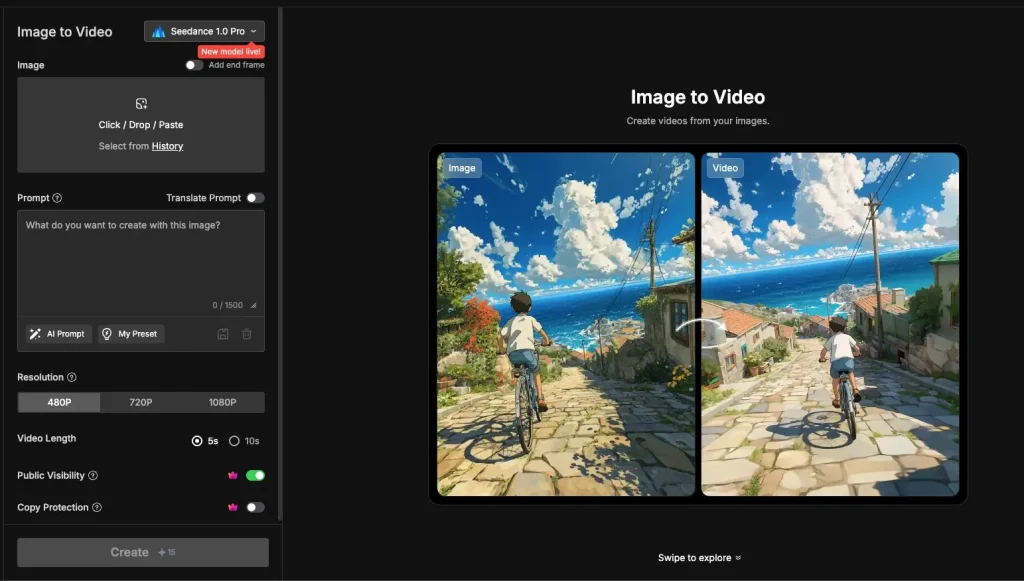
4.MindVideo AI – Best Prompt Following Accuracy
Seashell AI is renowned for its accurate adherence to prompts, making it ideal for users who want precise control over their image-to-video output.
Key Features:
- Powerful prompt understanding capabilities
- Image-to-video functionality with style control
- Consistent visual output
- Simple interface
Pros:
✅ Excellent prompt accuracy
✅ Simple user interface
✅ Predictable results
Cons:
❌ Slightly less cinematic feel
❌ Fewer advanced special effects
Pricing:
- Free plan: Limited generations
- Paid plan: Starting from $8.9 per month
Best for:
Creators and designers who rely on prompts for their creations.
User Rating: ⭐⭐⭐⭐☆ (4.3/5)
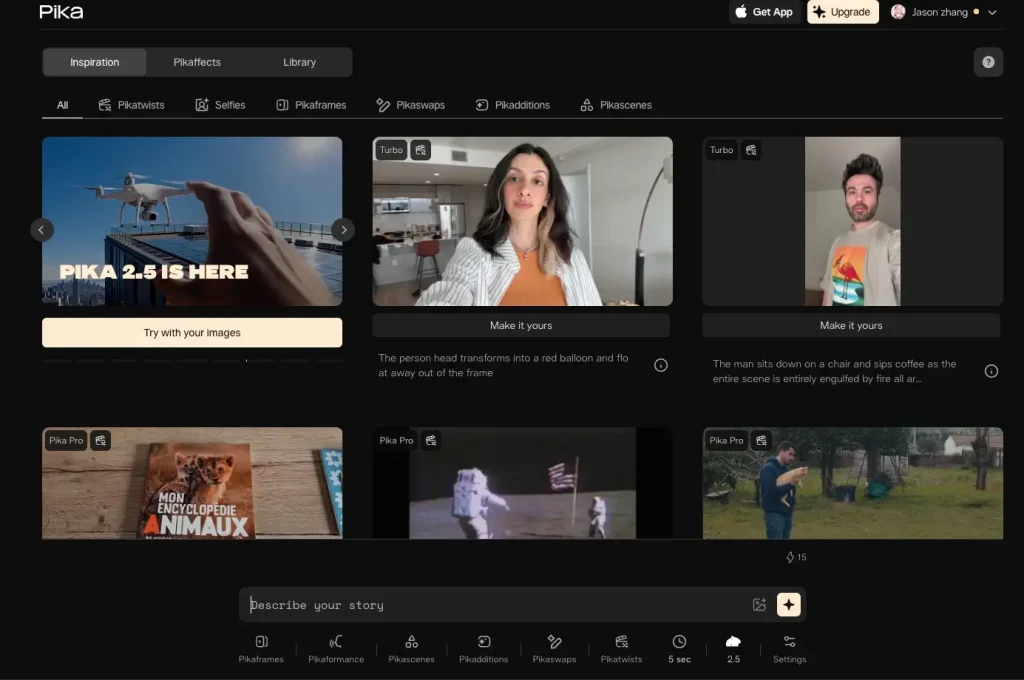
5.Pika Labs AI – Best for Beginners
Pika Labs AI offers a lightweight and intuitive image-to-video experience, perfect for first-time users.
Key Features:
- Simple image upload process
- Preset animation styles
- Fast generation
- Community templates
Pros:
✅ Very easy to use
✅ Fast generation speed
✅ Active community
Cons:
❌ Limited customization options
❌ Not suitable for professionals
Pricing:
- Free plan: Limited credits
- Paid plan: Starting at $8 per month
Best for:
Beginners and amateur creators.
User Rating: ⭐⭐⭐⭐☆ (4.2/5)
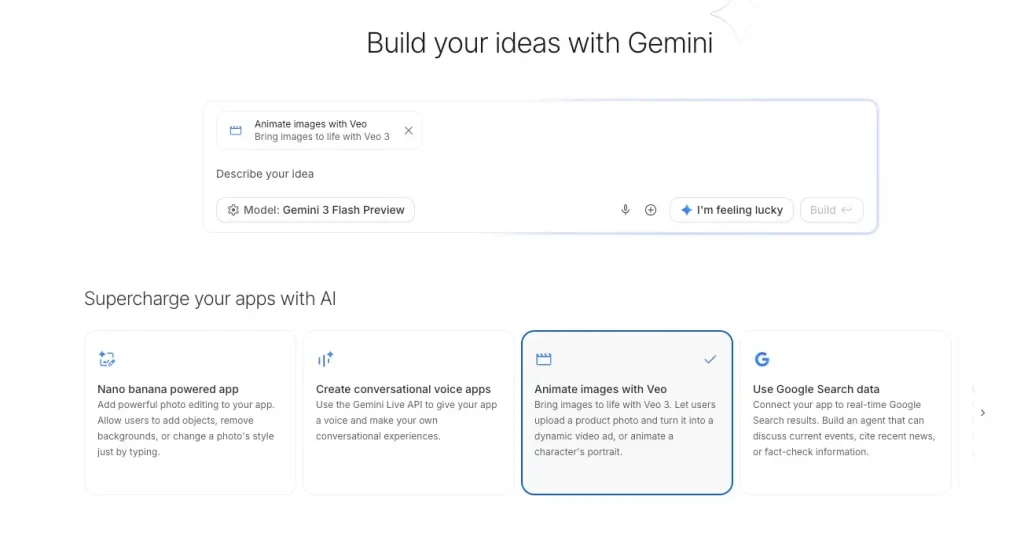
6.Google Veo 3 – The Best Cinematic Quality
Google Veo 3 elevates cinematic AI video quality to a new level with realistic lighting effects and camera techniques.
Key Features:
- Cinematic dynamic effects
- Advanced scene understanding
- Image-based deep video generation
- Supports long videos
Advantages:
✅ Stunning visual effects
✅ Powerful storytelling capabilities
✅ Google-level AI technology
Disadvantages:
❌ Limited access
❌ Not suitable for beginners
Pricing:
Free plan: Not yet announced
Paid plan: Enterprise version / Requires joining a waitlist
Suitable for:
High-end film projects.
User Rating: ⭐⭐⭐⭐☆ (4.5/5)
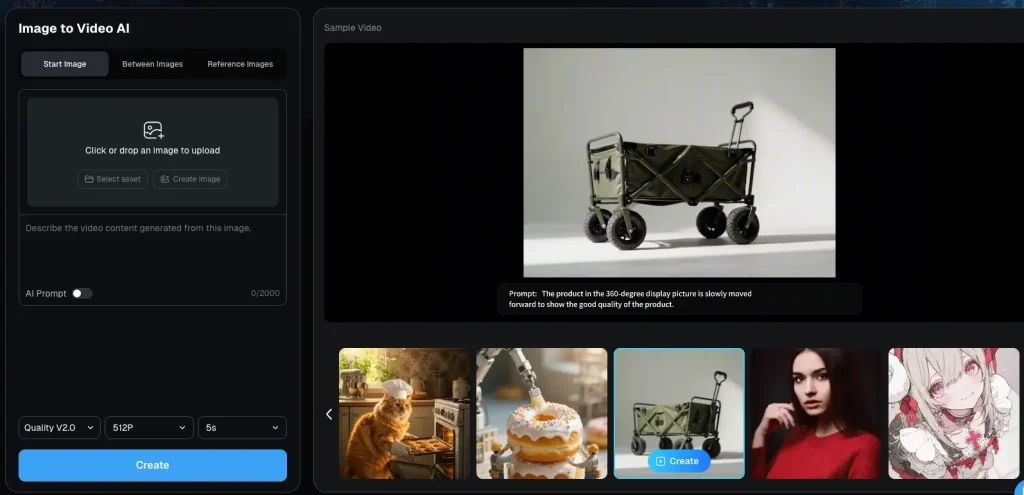
7.DeeVid AI – The Best Free Option
DeeVid AI offers basic image-to-video functionality with simple settings and a focus on ease of use.
Key Features:
- Simple animation engine
- Image-to-video presets
- Fast export
- Browser-based
Pros:
✅ Easy to access
✅ Free to use
✅ Quick setup
Cons:
❌ Average image quality
❌ Limited styles
Pricing:
- Free plan: Daily usage limits
- Paid plan: Starting from $7 per month
Suitable for:
Users with a limited budget.
User Rating: ⭐⭐⭐⭐☆ (4.1/5)
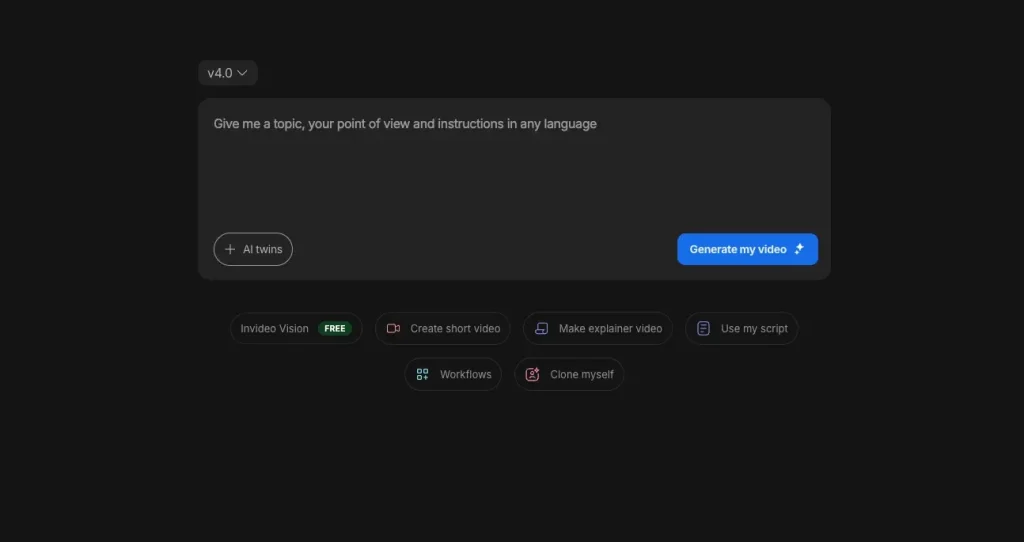
8.InVideo AI – Best for Marketing
InVideo AI is built for marketing teams, combining image-to-video conversion, templates, and branding tools.
Key Features:
- Marketing-specific templates
- Image-to-video functionality for advertisements
- Text overlay and call-to-action (CTA) support
- Branding toolkit
Pros:
✅ Excellent for creating advertisements
✅ Powerful branding tools
✅ Convenient for team collaboration
Cons:
❌ Lacks creative flexibility
❌ Relatively expensive
Pricing:
- Free plan: Includes watermark
- Paid plans: Starting at $20 per month
Best for: Marketing teams and agencies.
User Rating: ⭐⭐⭐⭐☆ (4.3/5)
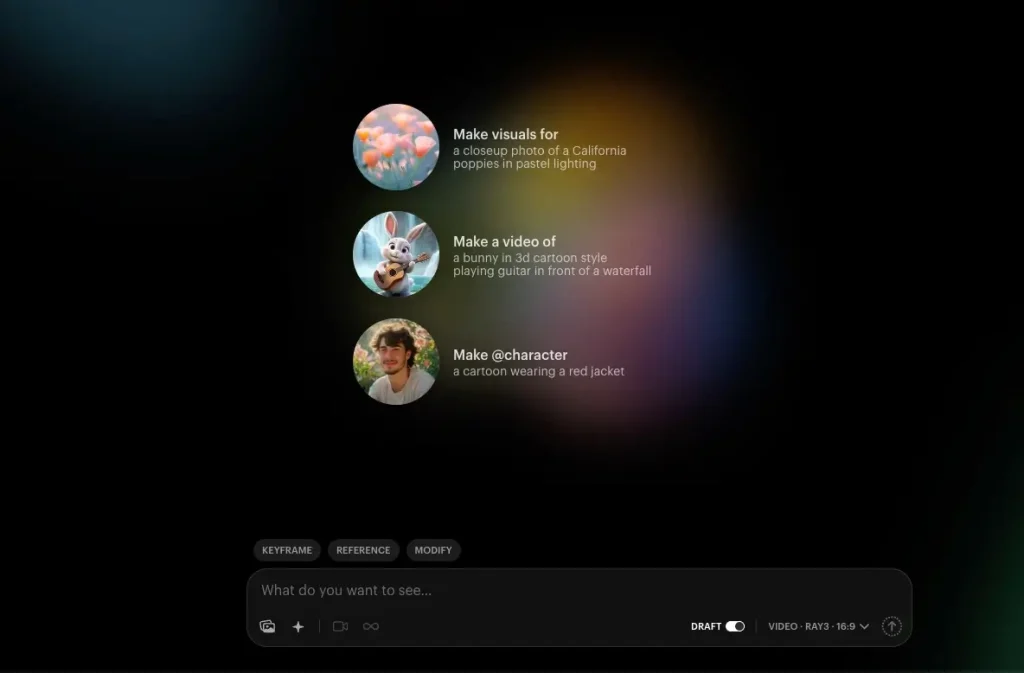
9.Luma Dream Machine – The Best Choice for Speed
Luma Dream Machine focuses on ultra-fast image-to-video generation.
Key Features:
- Fast video generation
- Smooth motion synthesis
- Image-to-video optimization
- Minimalist prompts
Pros:
✅ Extremely fast
✅ Simple workflow
✅ Good consistency
Cons:
❌ Limited control options
❌ Short video duration
Pricing:
- Free plan: Limited usage
- Paid plan: Starting from $9 per month
Best Use Case: Rapid prototyping and testing.
User Rating: ⭐⭐⭐⭐☆ (4.2/5)
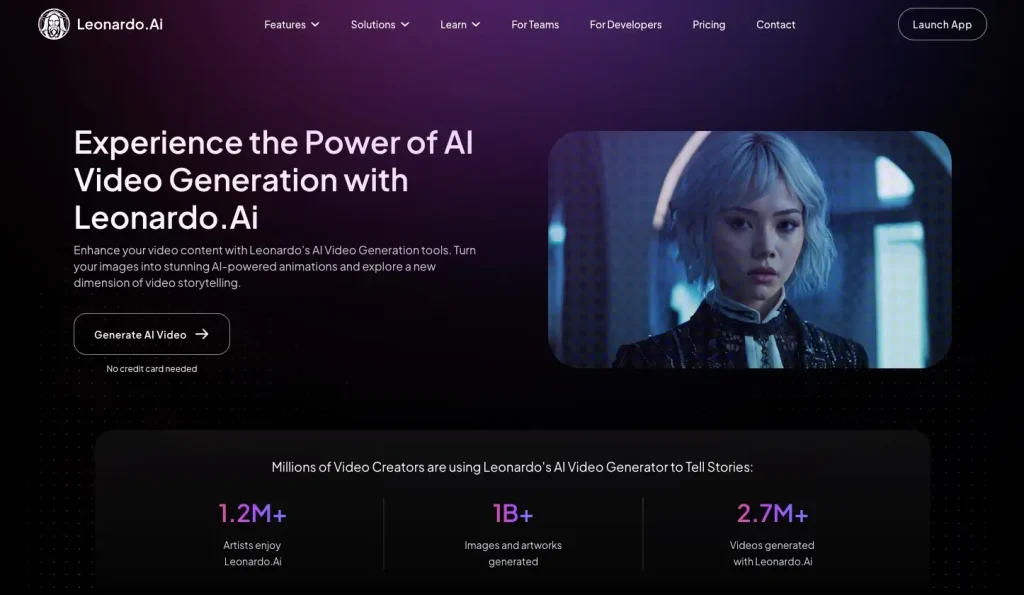
10.Leonardo AI – The Best Creative Suite
Leonardo.Ai integrates image generation, image-to-video conversion, and creative asset management into one platform.
Key Features:
- Complete Creative Suite
- Image-to-Video Animation
- Asset Library
- Style Fine-tuning
Pros:
✅ All-in-one platform
✅ High degree of creative control
✅ Powerful community
Cons:
❌ Operation may be slightly complex
❌ Video tools are not the primary function
Pricing:
- Free Plan: Limited number of tokens
- Paid Plans: Starting from $12 per month
Suitable for: Designers and creative professionals.
User Rating: ⭐⭐⭐⭐☆ (4.4/5)
How to Choose the Right Image-to-Video Tool
The market is flooded with AI video tools right now, so finding the "best" one is less about popularity and more about what fits your specific workflow. Before you sign up for a subscription, here is what you need to evaluate.
1.Define Your Use Case
Are you churning out daily content for TikTok and Reels? If so, speed and viral presets trump everything else. But if you’re building a marketing campaign or a product showcase, you need control and high fidelity, not just a quick gimmick. Also, check the fine print: if you are using this for business, ensure you have full commercial rights and no watermarks.
2.Weigh the Cost vs. Value
Free tiers are fine for tinkering, but they usually come with restrictions like low resolution or watermarks. When looking at paid plans, watch out for the pricing model. Some tools charge a flat monthly fee, while others use a "credit system" where every generation costs money. If a tool saves you hours of manual editing, the subscription cost is usually easy to justify.
3.Ease of Use vs. Power
Be honest about your technical patience. If you want results in one click, avoid platforms with steep learning curves. On the flip side, if you are a developer or power user, simple tools might feel limiting—look for API access or deeper integration with your existing software stack instead.
4.Quality Standards
Not all "HD" is created equal. Check the max resolution (1080p is standard; 4K is better) and the maximum video duration. Some tools only generate 3-second clips, which might be useless for storytelling. Ensure the export formats (MP4, MOV) work with your editing software.
5.The "Nice-to-Haves"
Look beyond the basic generation. Features like camera control (pan/zoom), lip-syncing, or batch processing can be game-changers. These extras often determine whether a tool is just a fun toy or a viable part of your production pipeline.
Step-by-Step: How to Convert Image to Video Tool
This guide is applicable to over 99% of current AI image-to-video tools. By following these steps, you can create truly stunning animations.
Step 1: Upload Your Image
Start by uploading your image (JPEG, PNG, or WebP). The golden rule here is "garbage in, garbage out." Aim for a resolution of at least 1024×1024. The more detail the AI has to work with, the smoother and cleaner the final animation will be. If your source image is blurry, the resulting video will likely look messy, no matter how good the AI model is.
Step 2: Direct the Action with Prompts
Most tools let you use text to act as the director. Instead of writing a novel, focus on describing the movement and atmosphere.
- Bad: "A beautiful woman standing there."
- Good: "Camera slowly zooms in, hair blowing in the wind."
- Good: "Waves crashing, stormy lighting."
Keep your prompts focused on motion and camera behavior to get the most predictable results.
Step 3: Dial in the Settings
Before you hit generate, match the specs to your platform.
- Duration: 5–10 seconds is standard for clips.
- Ratio: Use 9:16 for TikTok/Reels, 16:9 for YouTube, and 1:1 for feed posts.
- Motion: Adjust the "motion intensity" or camera movement (pan/zoom). Lower settings are safer for realism; higher settings create more drama but can introduce glitches.
Step 4: Generate, Review, Export
Hit the generate button. Processing can take anywhere from seconds to minutes. Once it’s done, don't just blindly download the MP4—preview it first. If the motion looks weird, go back and tweak the intensity settings before exporting the final high-res file.
Final Thoughts
Image to video AI has completely flip-flopped how we make content. What used to take expensive gear and hours of editing can now be done in minutes with just one photo. For creators and brands, this isn't just a shortcut—it’s a massive competitive edge.
So, which tool should you grab? While heavy hitters like Runway AI and Pika Labs are fantastic, AIFaceSwap hits the sweet spot for most users. We recommend it as the top pick because of its generous free plan and how well it handles facial animations—perfect for grabbing attention on social feeds.
The best way to understand it is to try it. Give AIFaceSwap’s free image to video generator a spin. You don't need any technical skills; just upload a photo and see what happens. It’s the easiest way to dip your toes into AI video without a steep learning curve.
The tech is only going to get better from here—expect smoother motion and longer clips soon. But don't wait for perfection; start experimenting now so you’re already ahead when the next big update drops.
Join over 1,0M+ Users that trust us.
Try it free. No credit card required!
Try Image to Video AI Now