Pixlr Face Swap Review: Pros, Cons, and the Top Free Alternatives
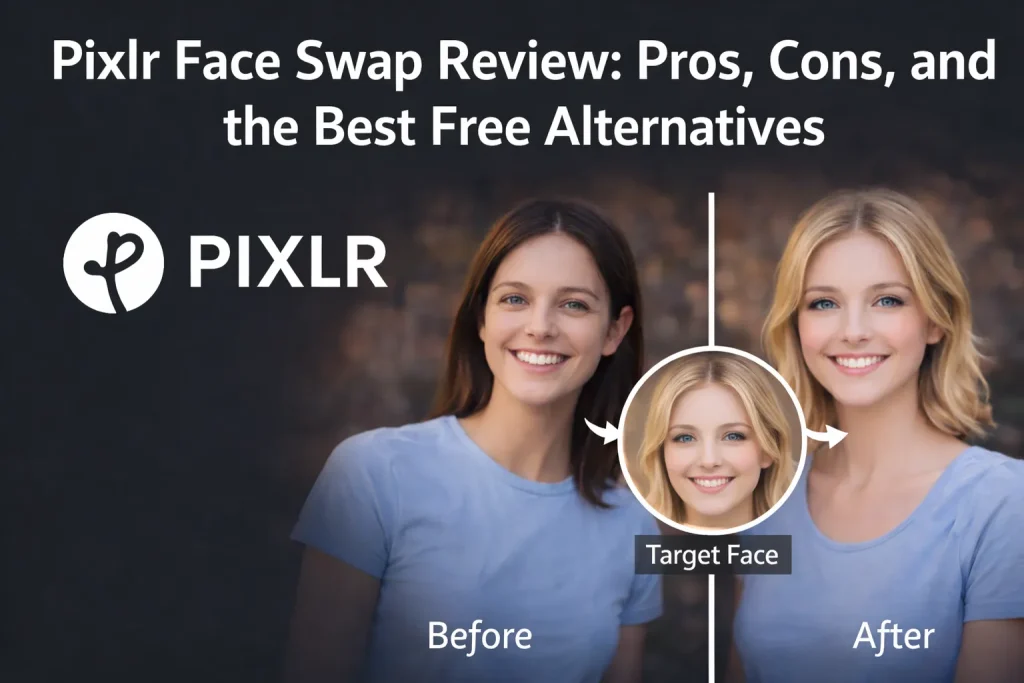
When I first discovered Pixlr, I used it mainly for its image editing features. Whether it was background removal or image resizing, the results were consistently satisfying. However, Pixlr is no longer known only as an image editor. Its Pixlr face swap feature has gradually gained popularity and now ranks even higher than some dedicated face swap websites.
So what makes Pixlr AI face swap stand out? This article provides an in-depth review, evaluating its user experience, output quality, and pricing from multiple angles, while also introducing the Pixlr alternatives to help you choose the right AI face swap tool.
What Is Pixlr?
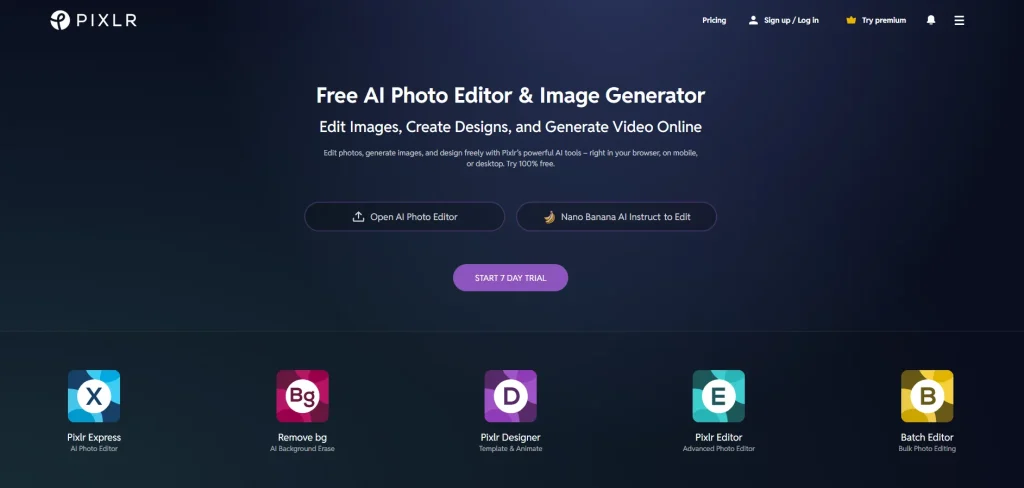
Pixlr focuses on image generation and editing, positioning itself as a professional image editing tool. Its interface is clean and intuitive. Unlike Fotor and Canva, which offer a wide range of features, Pixlr provides a more streamlined set of tools centered on users'essential editing needs.
Key Features of Pixlr
- AI Image Generator
Generate images from text prompts or reference images. Three different AI models are available, and you can choose the number of images to generate, with a maximum of eight images per request.
- AI Face Swap
Upload a source image and a target face to swap. A variety of template images are available to choose from, while video face swap is not supported yet.
- Batch Editor
Supports users uploading a batch of up to 100 files at once, with options to crop, resize, add borders, and perform multiple edits to meet professional image editing needs.
Why Is Pixlr Face Swap Becoming Popular?
When you search for "Face Swap" on Google, Pixlr AI face swap appears near the top of the first page. This article takes a close look at Pixlr face swap feature to uncover its main advantages as follows.
✅A Wide Variety of Face Swap Templates
💡Experiment with Different Styles
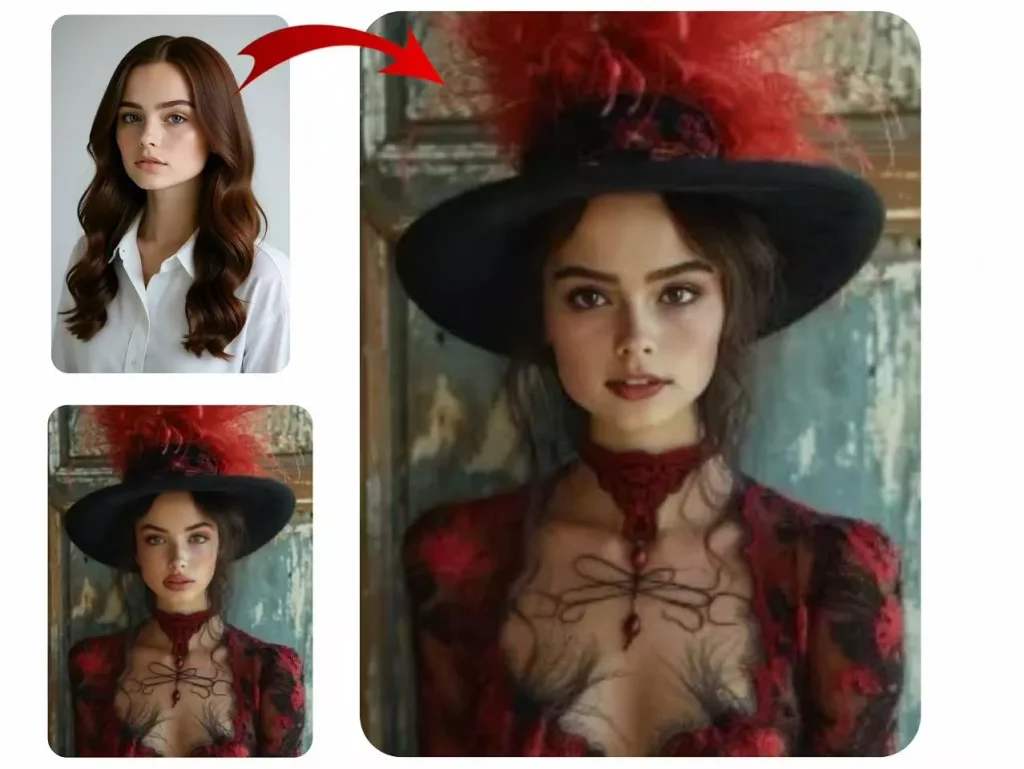
Pixlr Face Swap offers numerous templates across styles like "Adventure," "Gymbuff," and "Sports." Users can try different outfits, hairstyles, and looks, mixing and matching templates to create fun or stylish transformations. This variety gives plenty of room for creativity.
💡Create Professional Headshots
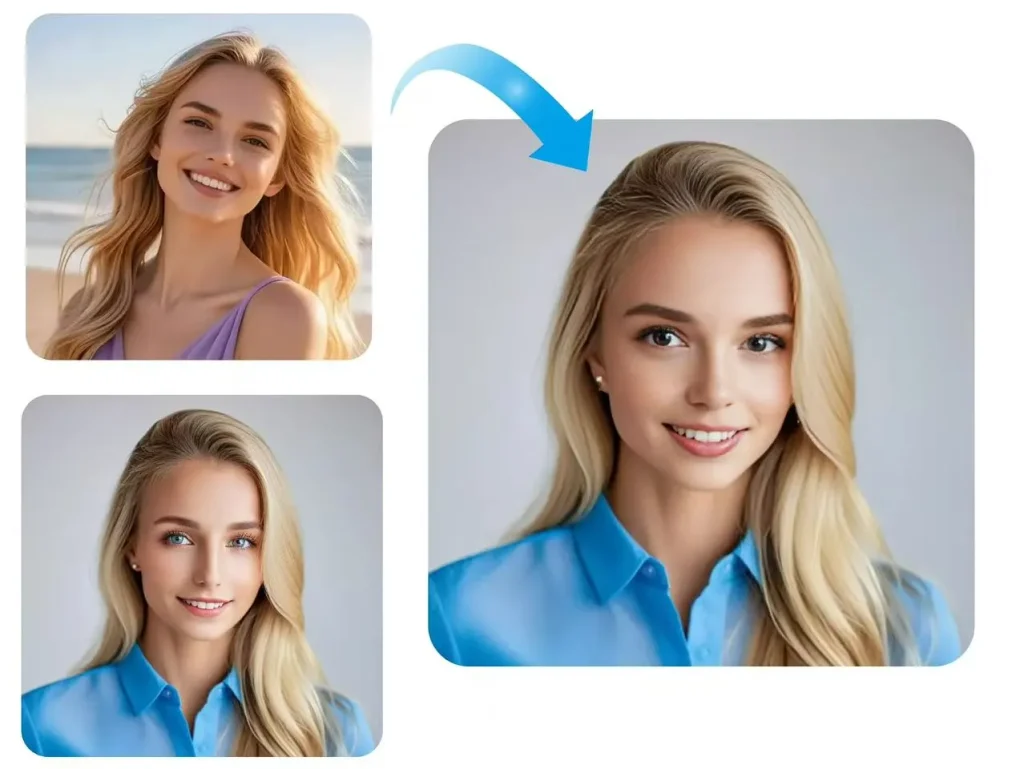
Beyond fun edits, Pixlr also provides headshot templates. You can quickly generate a professional-looking headshot for social media profiles, resumes, or portfolios, making the tool versatile for both entertainment and practical purposes.
✅Unique Interaction Design
Pixlr AI face swap allows users to swap the original face with the target face in one click. This feature is highly unique, as very few other websites offer similar functionality.
✅Clean and Intuitive Interface
Pixlr's interface is very clean, with the demo area nearly filling the entire screen. The face swap results are displayed below, creating a strong visual impact.
What Are the Limitations of Pixlr Face Swap?
⚠️Limited Usage
Pixlr face swap gives new or free users 10 credits, with each swap using 2 credits. This means free users can only try the feature 5 times.
⚠️No Option to Delete History
For users concerned about privacy, this can be a serious drawback. After completing a face swap, only the download option is available, there is no option to delete the history.
⚠️Persistent Ads
Pixlr's interface frequently displays ads that free users cannot close.
⚠️Limited Face Swap Features
Pixlr only supports swapping faces in a single image. Popular features like video face swap, GIF face swap, and batch face swap are not supported.
⚠️Slower Response Time
While most popular face swap websites complete a swap in about 3–5 seconds, Pixlr face swap takes around 10 seconds, not including the image upload time.
⚠️ No Zoom Option for Results
After completing a face swap, you can only download the image to view it, with no option to zoom in.
What Is Pixlr Face Swap's Pricing Strategy?
Pixlr's pricing is simple, with only two plans: the Plus plan at just $1.34 per month, and the Premium plan for less than $5 per month.
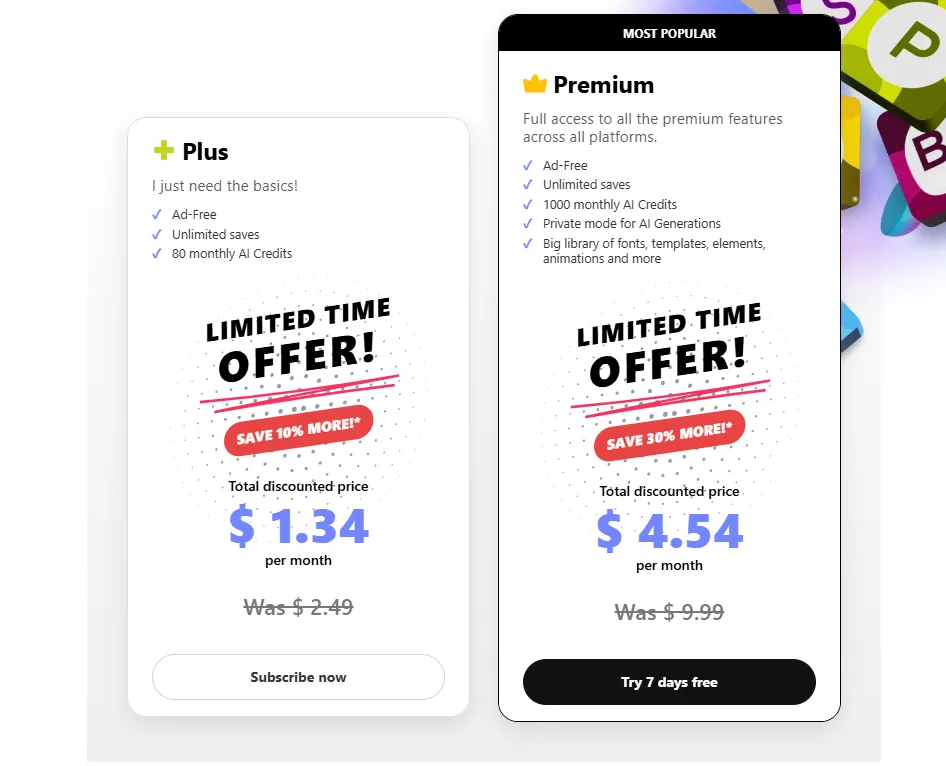
Compared to free users, upgrading gives you an ad-free, cleaner interface and more credits.
| Plus | Premuim | |
| Price | $1.34 (80 credits) | $4.54 (1000 credits) |
| Face Swap Limits | 40/month | 500/month |
Top 3 Alternatives to Pixlr AI Face Swap
For free users, Pixlr face swap may not be the ideal choice. That's why alternatives to Pixlr are useful. Below are two websites that are also friendly and generous for free users.
Feature Comparison Overview
| Feature | Pixlr | AIFaceswap | Remaker AI | Magic Hour AI |
| Photo Face Swap | ✅5 Free Trials | ✅ Unlimited | ✅20 Free Trials | ✅ 100 Free Trials |
| Ad-Free | ❌ | ✅ | ✅ | ✅ |
| Video Face Swap | ❌ | ✅ | ✅ | ✅ |
| Multiple Face Swap | ❌ | ✅ | ✅ | ✅ |
| GIF Face Swap | ❌ | ✅ | ✅ | ✅ |
| Batch Face Swap | ❌ | ✅ | ✅ | ❌ |
| Template Support | ✅ | ✅ | ✅ | ✅ |
| Processing Time | 10-15s | 3-5s | 5-7s | 5-7s |
| Privacy | No Auto-Delete | 48h Auto-Delete | 48h Auto-Delete | 48h Auto-Delete |
Face Swap Comparison
| Image Resources | Pixlr | AIFaceswap | Remaker AI | Magic Hour AI |
 |
 |
 |
 |
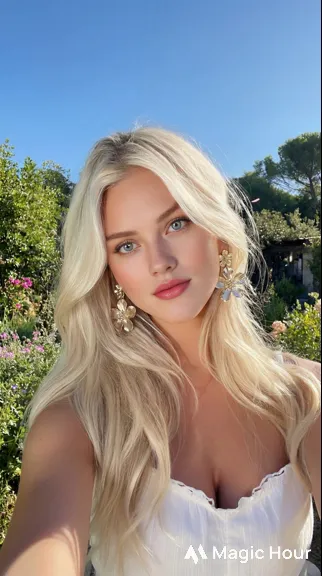 |
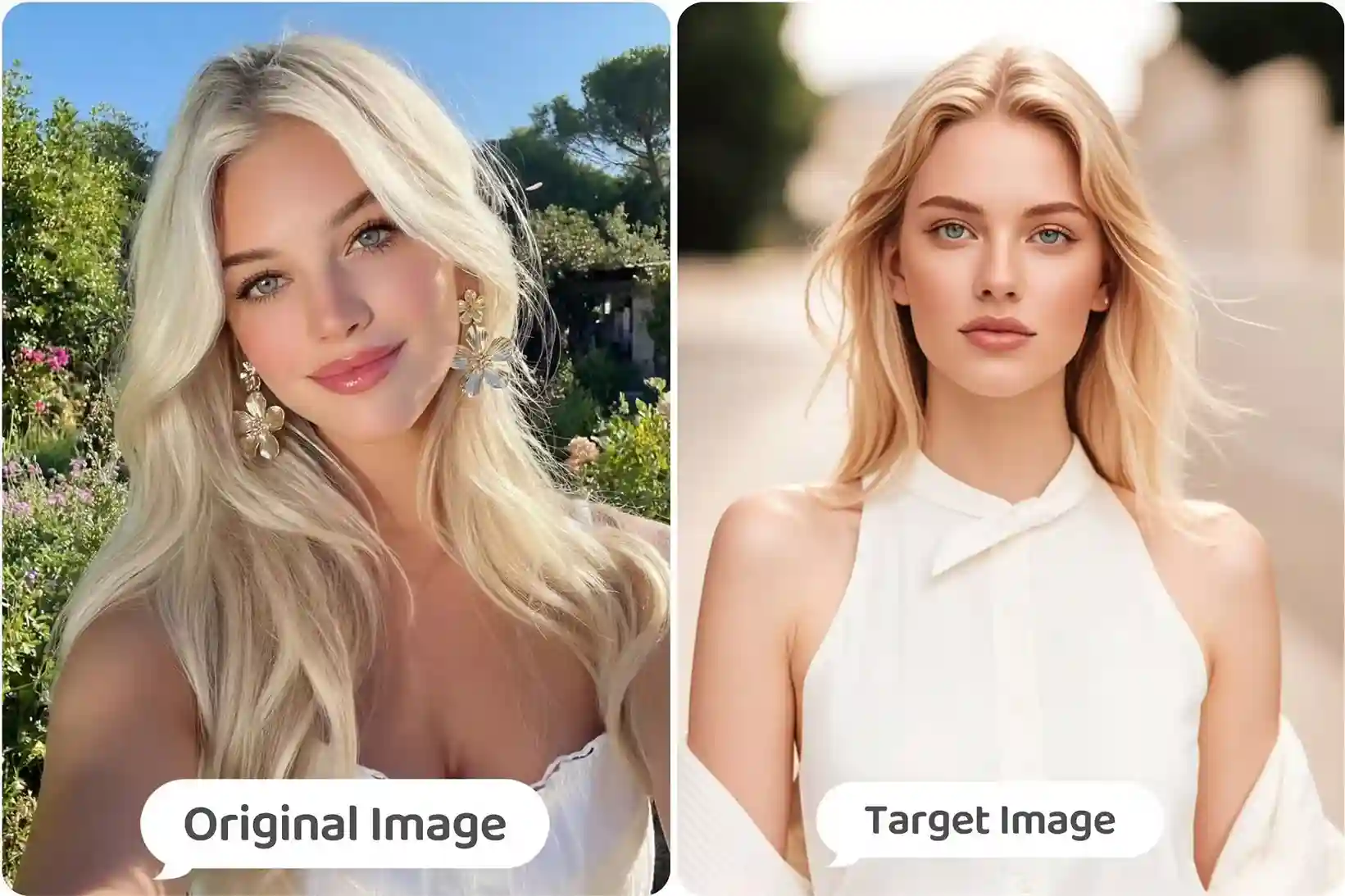
From the comparison, the face swap results of Pixlr, AIFaceswap, and Remaker are very similar, with only Magic Hour AI showing some differences. However, its watermark can be a drawback for most users. When the results are largely comparable, naturally the most cost-effective and affordable option stands out.
Pricing Comparison
In terms of pricing, AIFaceswap clearly takes the lead, standing out with unlimited free face swaps and no login required. In comparison, the other tools all come with some usage limits.
| Feature | Pixlr | AIFaceswap | Remaker AI | Magic Hour AI |
| Price | $1.34–$4.54/month | $0 | $9.99-$299 (One-time credits) |
$10-$99/month |
| Face Swap Limits | 40–500/month | Unlimited (Photo) | 530-20000(Photo) | 2000-14000(Photo) |
| Login Required | Yes | No | Yes | Yes |
1.AIFaceswap
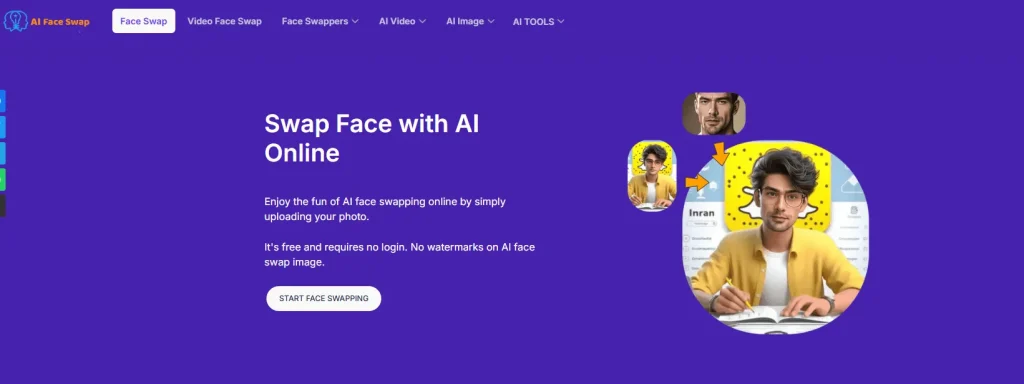
AIFaceswap specializes in face swapping, offering a rich and diverse set of features. It has consistently held the top spot on Google, with its authority and expertise widely recognized.
📌Pros:
- Free to use
There are no restrictions for photo face swaps, and it's 100% free. Generous free attempts are also provided for other features, such as video face swap.
- Comprehensive Face Swap Features
Video face swap, batch face swap, and multiple-face swap videos, here you can find the most complete and diverse face swap options.
- Fast Performance
Face swaps generally take around 3 seconds, and even video face swaps are generated in under a minute.
- High Privacy Protection
Users can freely delete their history, and the system automatically removes it after 48 hours. User privacy is never compromised, and no backups are kept.
- Ad-Free and Watermark-Free
AIFaceswap offers a completely clean interface with no annoying ads, and all downloads are in high-definition without watermarks.
2.Remaker AI
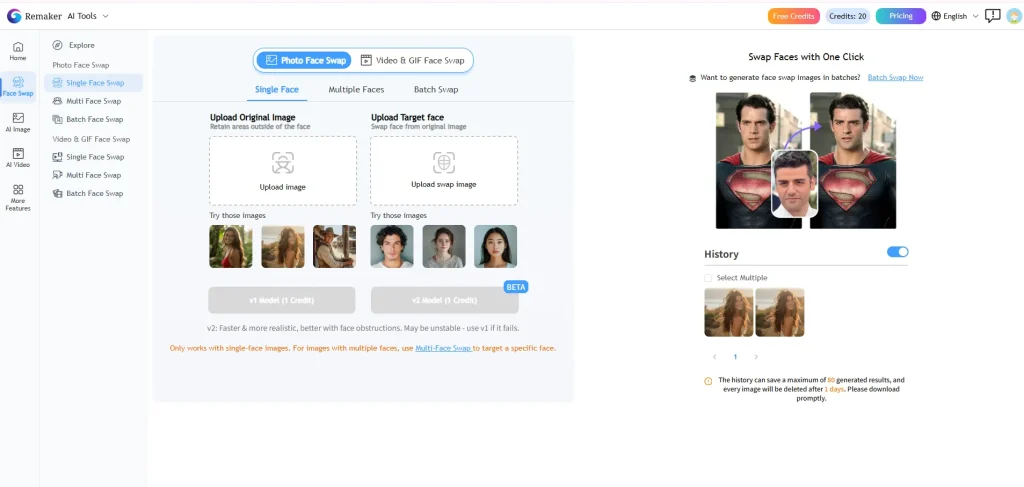
Remaker AI, similar to AIFaceswap, is another long-standing face swap website, providing generous swap opportunities.
📌Pros:
- Generous Free Limit
Although Remaker face swap isn't completely free, the allowance is more than enough for most users. Free users can make up to 20 swaps per day.
- Supports Two Face SwapModels
Most face swap sites offer only one option, but Remaker face swap provides both V1 and V2 models to meet everyday or more professional needs.
- Comprehensive Features
Remaker offers a wide range of face swap functions, with each feature providing a certain number of free uses.
3.Magic Hour AI
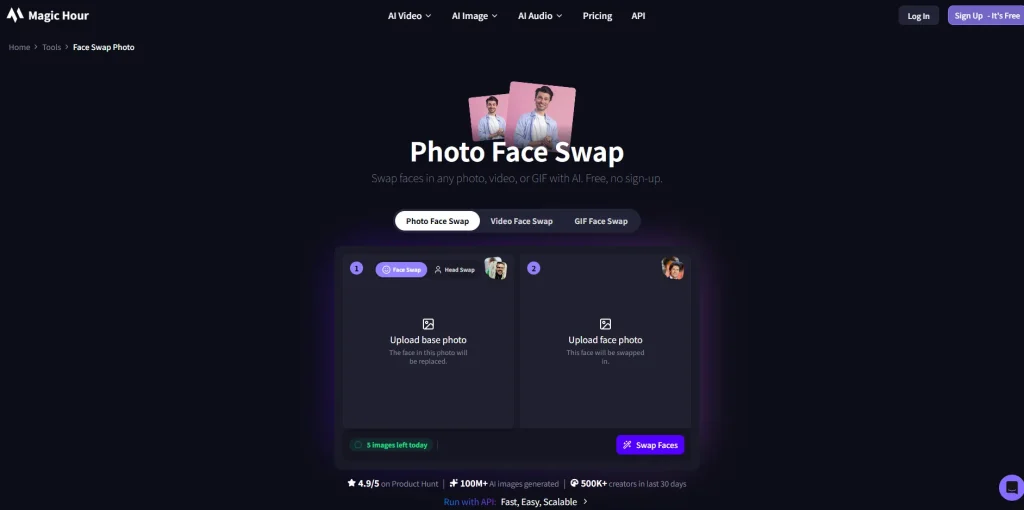
Magic Hour AI combines video creation, image generation, audio, and face swapping in one platform. For users seeking a diverse creative experience, it provides a one-stop place to explore and create different types of content.
📌Pros:
- Variety of Templates
Magic Hour AI offers trending template images and celebrity photos, perfect for creating memes or casual entertainment.
- Generous Free Credits
Free users receive 500 credits upon first login, allowing up to 100 trials, more than enough to get started.
- Multiple Face Swap Model Options
Similar to Remaker, Magic Hour AI offers two versions of face swap models. In addition, it provides Stable Mode and Smart Mode, with Smart Mode delivering more stable results, even for videos, avoiding edge flickering.
Conclusion
Based on our testing, Pixlr Face Swap is a basic yet practical face swap tool with its own core strengths. While the free usage is limited, the pricing remains reasonable. However, if you are looking for more advanced features such as video face swap or batch face swap, Pixlr cannot fully meet those needs.
Tools like AIFaceswap, which are 100% free, effectively address Pixlr's limitations and serve as the best alternative to Pixlr face swap. You can access more comprehensive and diverse face swap features, all available for free with no sign-in required.
The competition in the face swap industry is becoming increasingly intense. Therefore, whether it is Pixlr, AIFaceswap, or Remaker AI, all need to continuously improve user experience, enhance face swap quality, and strengthen privacy protection and feature innovation to remain competitive and retain users.