How to Create Animal Face Swaps: Complete Guide + 10 Real Examples That Actually Work
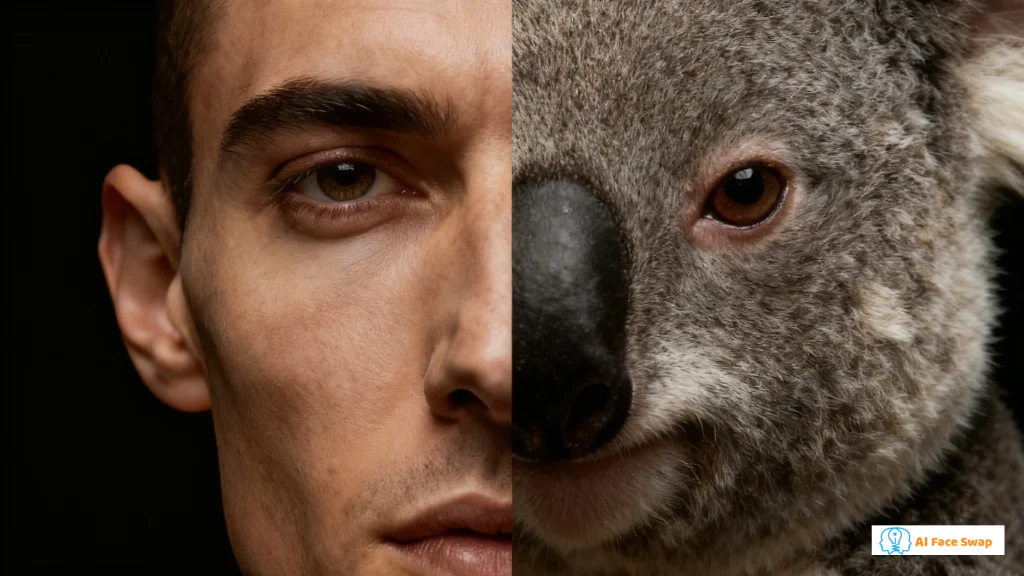
Animal face swaps have evolved from silly filters to legitimate creative tools. This guide shows you exactly how to create professional-quality morphs—and ten real-world examples of people using this technology in genuinely clever ways.
Introducing AIFaceSwap —The Ultimate Animal Face Swap Tool (that’s actually fun & easy to use)! 🐾
AIFaceSwap is an online AI tool that lets you swap or blend human faces with animal face swap in seconds! You can either replace the whole animal head, or just add cute animal features — like floppy ears, big eyes, or snotty noses — to a human face. Super simple, no hassle at all!
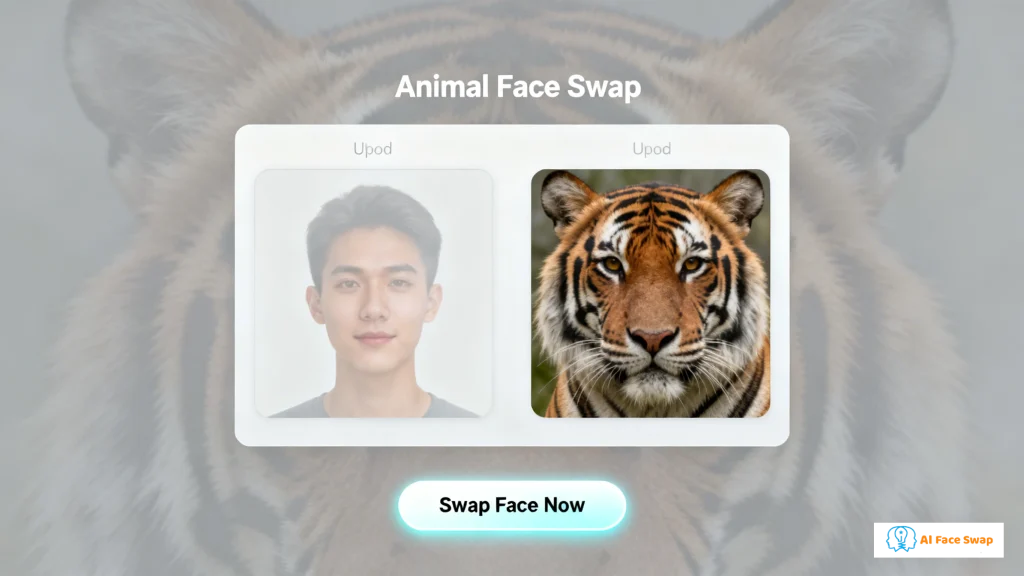
Using it is a piece of cake: upload a human photo, pick an animal face, and boom — your composite image is ready in seconds.
Three awesome perks of AIFaceSwap:
✅ 100% free & no sign-up required! Jump right in, no hoops to jump through.
✅ Zero learning curve! No design skills or editing experience needed — total newb-friendly!
✅ Endless creativity! Perfect for social media avatars, pet-human mashups, memes, marketing visuals, or just messing around for fun.
How to Create Your Animal Face Swap
What You'll Need
Before starting, gather these essentials:
- A clear photo of yourself: Front-facing, well-lit, neutral or natural expression
- A high-quality animal photo: The clearer and more front-facing, the better
- 5 minutes: That's all it takes from start to finish
Step-by-Step Tutorial
Step 1: Choose Your Tool
Three tools dominate the free animal face swap space:
- AIFaceSwap — Best for photorealistic quality and consistency. No registration, unlimited use.
- Pixelcut AI Animal Body Swap — Choose this if you need full-body transformations, not just faces.
- Pippit Face Swap Animal — Fastest option with 200+ pre-made animal templates.
For this tutorial, we'll use AIFaceSwap because it delivers the most consistent professional results.

Step 2: Prepare Your Human Photo
The quality of your source photo determines your final result. Here's what works best:
✅ Good Source Photos:
- Direct eye contact with camera
- Even, soft lighting (avoid harsh shadows)
- Neutral or calm expression
- Simple background
- High resolution (at least 1000px wide)
❌ Avoid:
- Extreme angles or side profiles
- Sunglasses or face coverings
- Heavy filters or makeup that obscure features
- Low-light or blurry photos
Pro Tip: Take a fresh photo specifically for this project. Use natural window light or soft indoor lighting. Face directly at the camera and keep your expression relaxed.
Step 3: Select Your Animal Photo
The animal photo matters just as much as your selfie. Here's what to look for:
✅ Best Animal Photos:
- Front-facing or slight angle (not full profile)
- Clear facial features (eyes, nose, mouth visible)
- High resolution with sharp details
- Natural lighting that shows texture (fur, scales, feathers)
- Neutral background that won't distract
Where to Find Quality Animal Photos:
- Unsplash.com (free, high-res, no attribution required)
- Pexels.com (large animal collection, all free)
- Your own pet photos (if they meet quality criteria)
Choosing the Right Animal: Match the animal to your purpose:
- Majestic/Leadership → Lion, eagle, wolf
- Playful/Friendly → Golden retriever, cat, otter
- Mysterious/Edgy → Fox, raven, panther
- Fierce/Competitive → Tiger, shark, bear
Step 4: Create the Swap
Now for the actual morphing process:
- Go to AIFaceSwap in your browser
- Navigate to the Animal Face Swap section
- Click "Upload Your Photo" and select your prepared selfie
- Click "Upload Animal Photo" and select your chosen animal image
- Click "Swap Face Now"
- Wait 15-30 seconds while the AI processes
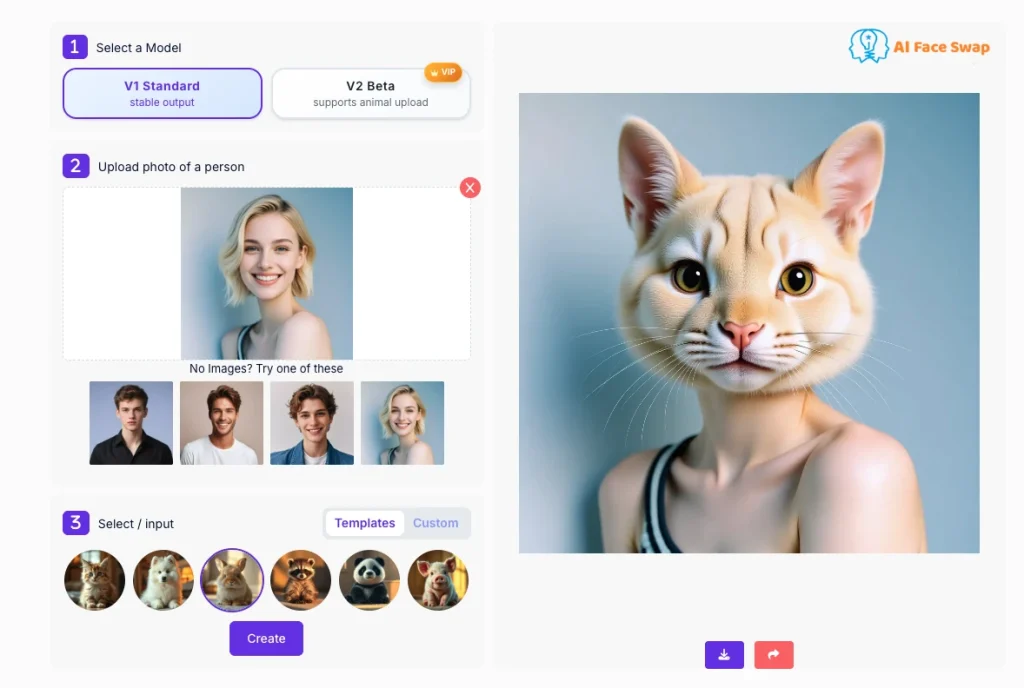
The AI will:
- Map your facial landmarks onto the animal's 3D structure
- Blend textures (skin → fur/scales/feathers)
- Adjust lighting to match the animal photo's environment
- Generate a seamless, photorealistic result
Step 5: Download and Refine
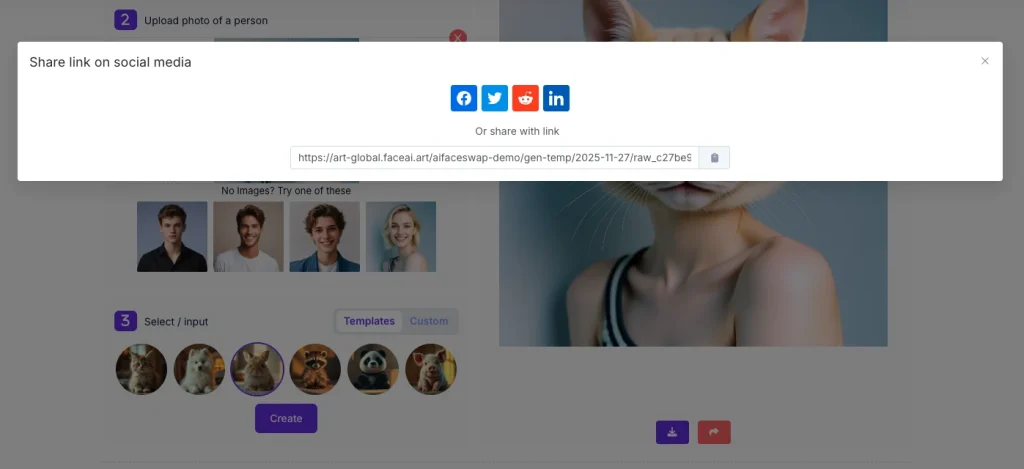
Once processing completes:
- Review the result at full size
- Download the high-resolution version (usually 2000px+)
- Optional: Make minor adjustments in a photo editor:
- Crop to focus on the face
- Adjust brightness/contrast if needed
- Add text or branding for specific uses
Troubleshooting Common Issues:
Problem: Face looks flat or "pasted on" Solution: Try a different animal photo with more direct lighting and clearer facial geometry
Problem: Textures don't blend well Solution: Ensure your source photo has even lighting without strong shadows
Problem: Result looks unnatural around the edges Solution: Use a human photo with a simpler, more uniform background
10 Real Examples of Creative Animal Face Swaps
Now that you know how to create them, here's what people are actually doing with animal face swaps—and why these examples work.
1. Gaming Clan Avatars That Actually Look Intimidating
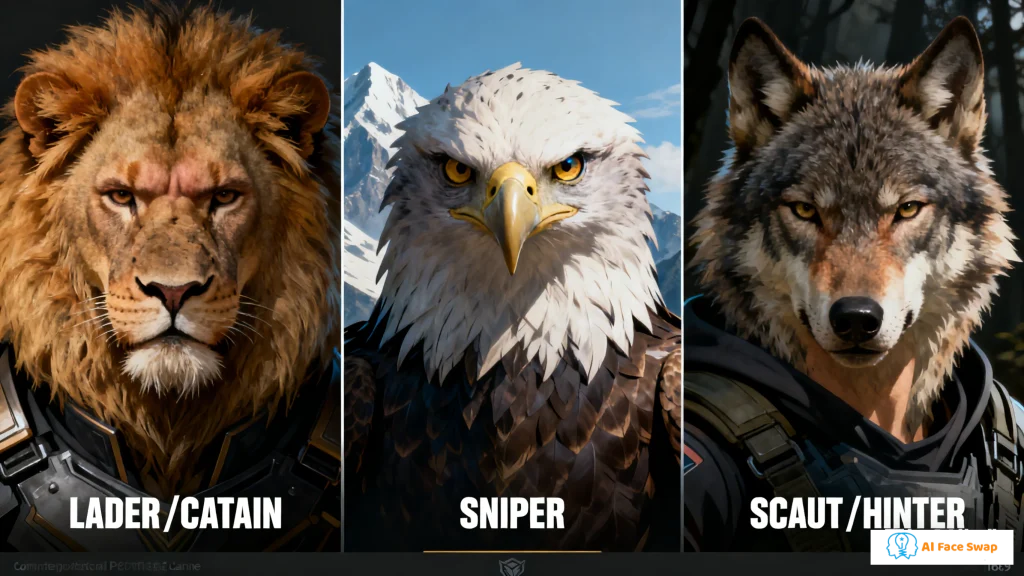
The Project: A competitive Valorant team replaced generic logos with photorealistic animal-human hybrids of each player. The leader became a lion, the sniper an eagle, the scout a wolf.
Why It Works: Standard team logos feel corporate and impersonal. These avatars carry individual personality while communicating role and attitude. The lion-captain isn't cute—it's genuinely imposing.
How They Did It: Each member submitted a neutral-expression headshot. The team designer used AIFaceSwap to morph faces onto carefully selected animal photos that matched each player's in-game role. Total time: 45 minutes for five members.
Key Takeaway: Matching animal choice to personality matters more than technical perfection. They tested multiple animals per person before settling on final combinations.
2. Modern Fantasy Character Visualization
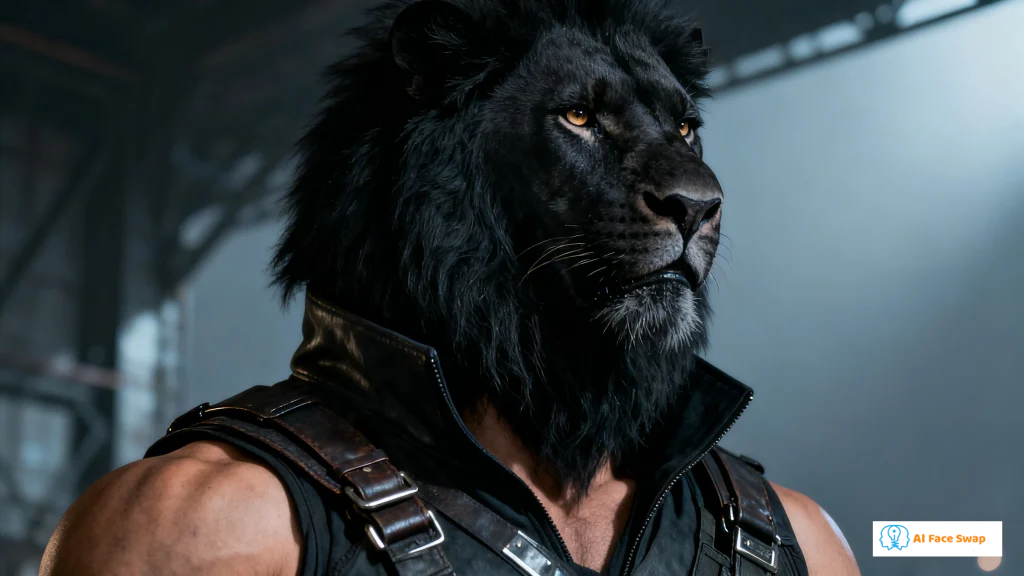
The Project: An indie fantasy author wanted to bring shapeshifter characters to life for a book cover. Instead of hiring pricey concept artists, she experimented with dozens of hybrid variations to nail the look.
Why It Works: Traditional character art can be slow and rigid—describing your vision to an artist doesn’t always guarantee the result. Animal face swap tools let creators instantly test different animals, expressions, and lighting until the character feels right.
How They Did It: She started with stock photos of models matching the characters’ age and ethnicity. Using Pixelcut AI Animal Body Swap, she generated full-body transformations that captured mid-shift dynamics. After 30+ iterations, the final designs emerged.
Key Takeaway: The tool became more than visualization—it shaped character development. Exploring animal options inspired personality traits she hadn’t fully imagined.
3. Conservation Campaign That Went Viral
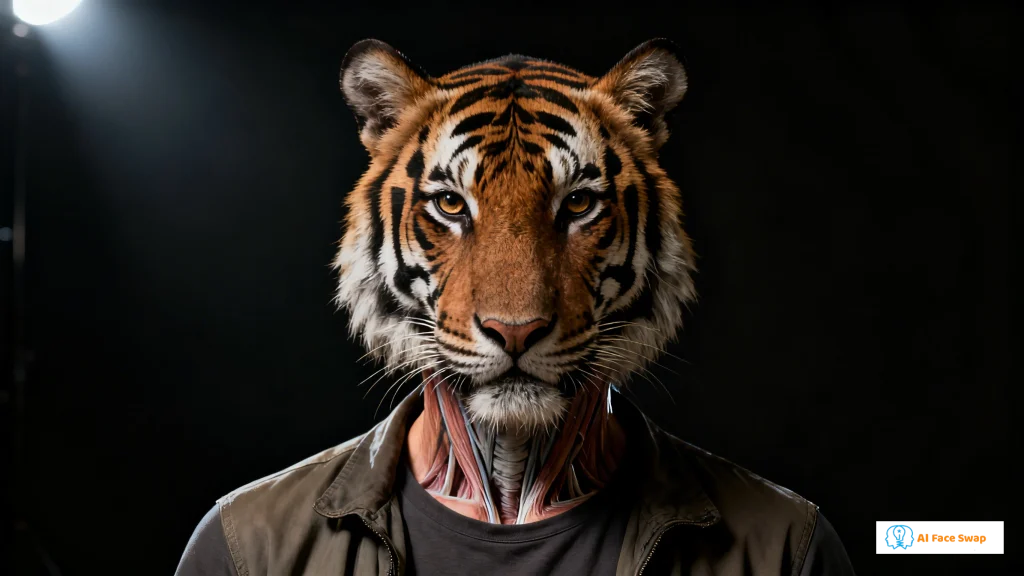
The Project: An environmental nonprofit ran a "See Yourself as Endangered" campaign, morphing donor faces onto endangered species photos. Within two weeks, over 15,000 people created and shared their animal versions.
Why It Works: Generic conservation messaging feels distant. When you see your own face on a Sumatran tiger, the cause becomes viscerally personal. The shareability turned participants into advocates.
How They Did It: Created a custom landing page with Pippit Face Swap Animal integrated via API. Users uploaded selfies, selected from 12 endangered species, and got instant results with campaign hashtags pre-populated for social sharing.
Key Takeaway: Making the experience frictionless mattered more than ultimate quality. Users wanted fast, shareable results that conveyed the message effectively.
4. D&D Character Portraits for Non-Artists
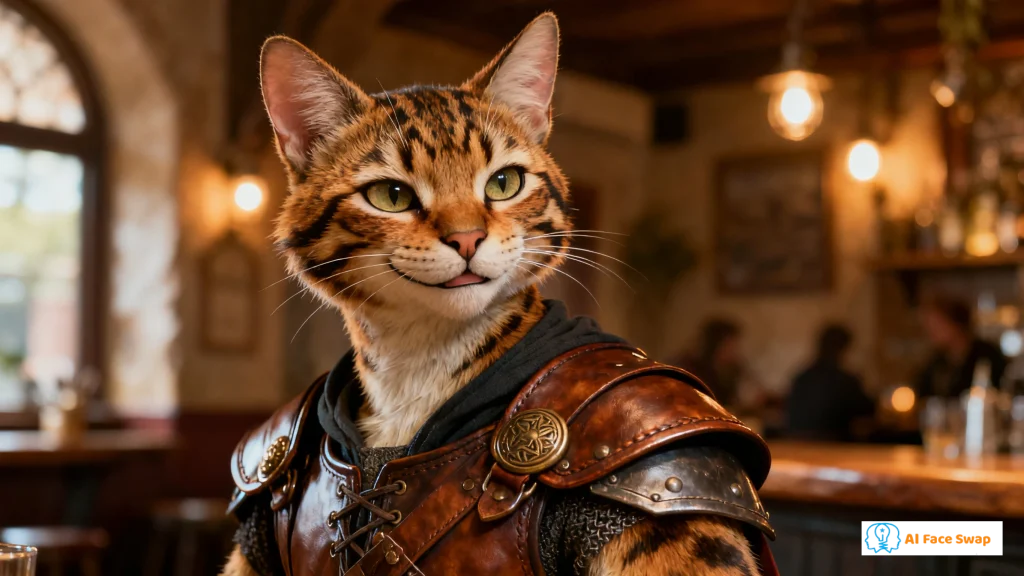
The Project: A Dungeon Master created custom animal-human hybrid portraits for every player character in his homebrew campaign featuring beast-folk races.
Why It Works: Most D&D groups settle for generic character art or crude sketches. These portraits looked professional enough to print and display, giving the campaign a premium feel without the premium budget.
How They Did It: Players sent selfies expressing their character's typical demeanor. The DM matched them with appropriate animal bases (tabaxi = big cats, aarakocra = birds) using AIFaceSwap. Added custom borders and character names in Canva for the final presentation.
Key Takeaway: The human faces made characters feel personalized in a way generic fantasy art never could. Players genuinely connected more deeply with their characters.
5. Corporate Team Building Gone Weird (In a Good Way)

The Project: A tech company created an internal "spirit animal" initiative where each department designed team mascots by morphing their manager's face onto relevant animals. Sales became sharks, engineering became owls, creative became peacocks.
Why It Works: Corporate team building is usually cringey. This was self-aware enough to be funny but executed professionally enough to avoid looking cheap. The realism made it impressive rather than juvenile.
How They Did It: HR provided professional headshots of department heads. Each team voted on their spirit animal, and the design team batch-processed them using AIFaceSwap. Printed as posters and desk standees.
Key Takeaway: The semi-professional quality bridged the gap between joke and legitimate visual identity. Cheap filters would've felt juvenile; these looked intentional and polished.
6. Music Artist Rebrand Through Animal Persona
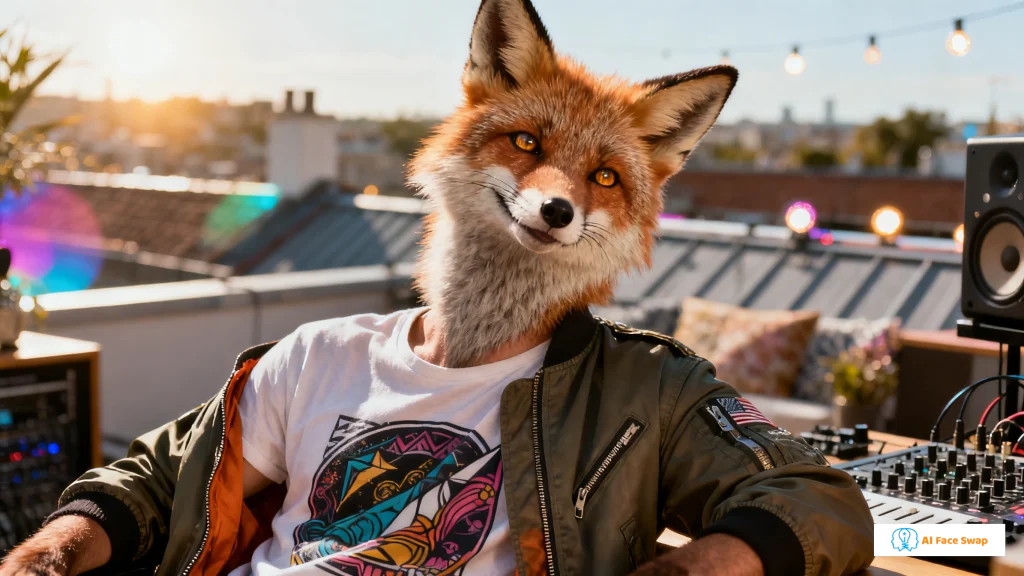
The Project: An electronic music producer struggling with generic branding created an alter ego: a human-fox hybrid that appeared in all promotional materials, album covers, and social media.
Why It Works: The music scene is oversaturated. A consistent, striking visual identity—one that felt both mysterious and approachable—helped the artist cut through noise. Fans started creating their own fox morphs as tribute art.
How They Did It: Worked with a photographer to capture dozens of expressions and poses. Morphed all photos onto the same fox image using AIFaceSwap for consistency. The repetition across platforms created instant brand recognition.
Key Takeaway: Consistency matters more than variety. Using the same base fox photo for every morph made the persona feel like a real identity rather than random animal filters.
7. Educational Content That Hooks Students
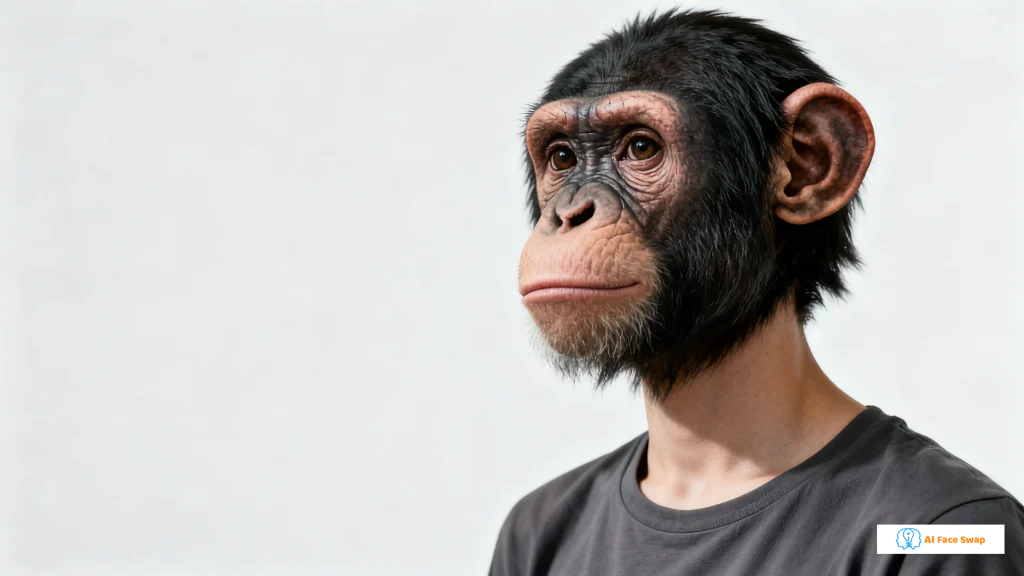
The Project: A biology teacher created a "Human Evolution Alternatives" lesson by morphing student faces onto various primates and discussing how different evolutionary paths might have developed.
Why It Works: Abstract evolution concepts became tangible and personal. Students engaged differently when they could see themselves as part of the evolutionary discussion.
How They Did It: Got parental permission slips for student photos. Used Pippit Face Swap Animal to quickly morph entire classes onto gorillas, chimps, and orangutans. Each variation sparked discussions about adaptation, environment, and selective pressure.
Key Takeaway: The immediacy of the visual effect kept attention better than textbook diagrams. Students who normally zoned out were actively asking to see more variations.
8. Dating Profile That Actually Got Responses
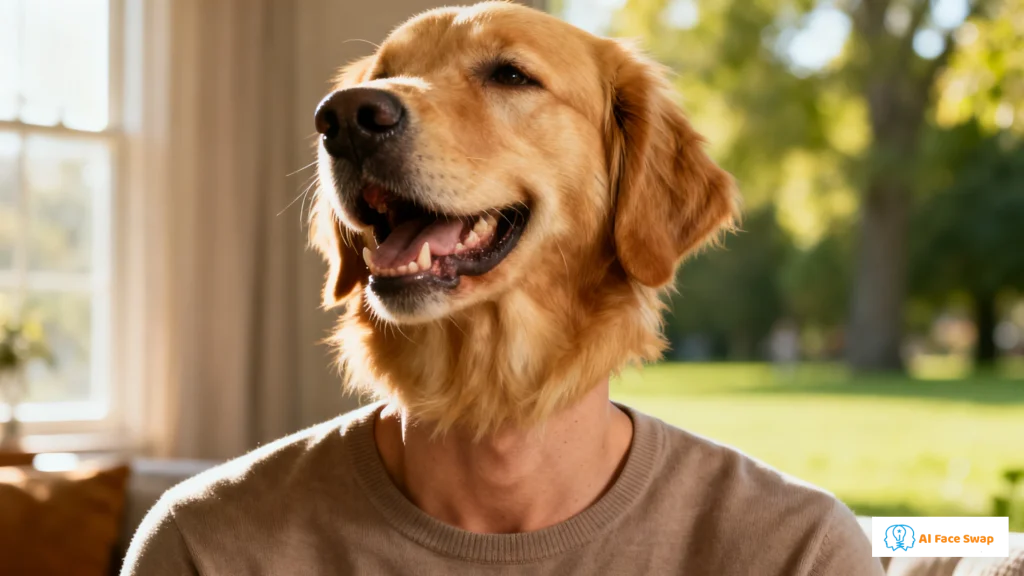
The Project: A user tired of generic dating profiles added one animal morph photo (themselves as a golden retriever) with the caption "Some say I have golden retriever energy. I decided to test that scientifically."
Why It Works: Dating profiles blend together into monotony. This was unexpected enough to be memorable, self-aware enough to be charming, and executed well enough to avoid looking lazy. Response rate jumped 300%.
How They Did It: One photo, AIFaceSwap, five minutes of work. The key was context—the caption framed it as intentional humor rather than random weirdness.
Key Takeaway: A single well-executed unusual element beats a profile full of generic photos. It gave matches an easy, fun conversation starter.
9. Twitch Streamer Subscriber Badges
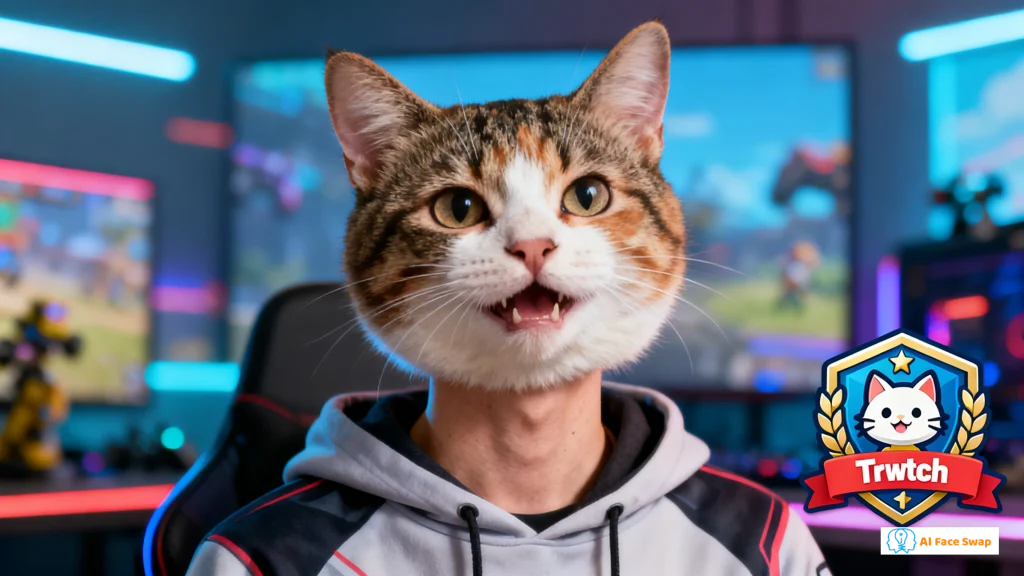
The Project: A growing Twitch streamer designed tiered subscriber badges as increasingly majestic animal morphs of himself—tier 1 was a house cat, tier 3 was a full lion.
Why It Works: Standard sub badges feel impersonal and generic. These were clearly custom, high-quality, and conveyed status through the animal progression. Subscribers started calling themselves "the pride."
How They Did It: Created five versions using AIFaceSwap with progressively more impressive felines (house cat → lynx → leopard → tiger → lion). Exported at multiple resolutions for Twitch's display requirements.
Key Takeaway: The progression created aspiration and FOMO. Lower-tier subscribers wanted to level up to "become" more impressive animals, driving subscription upgrades.
10. Family Holiday Cards That People Actually Kept
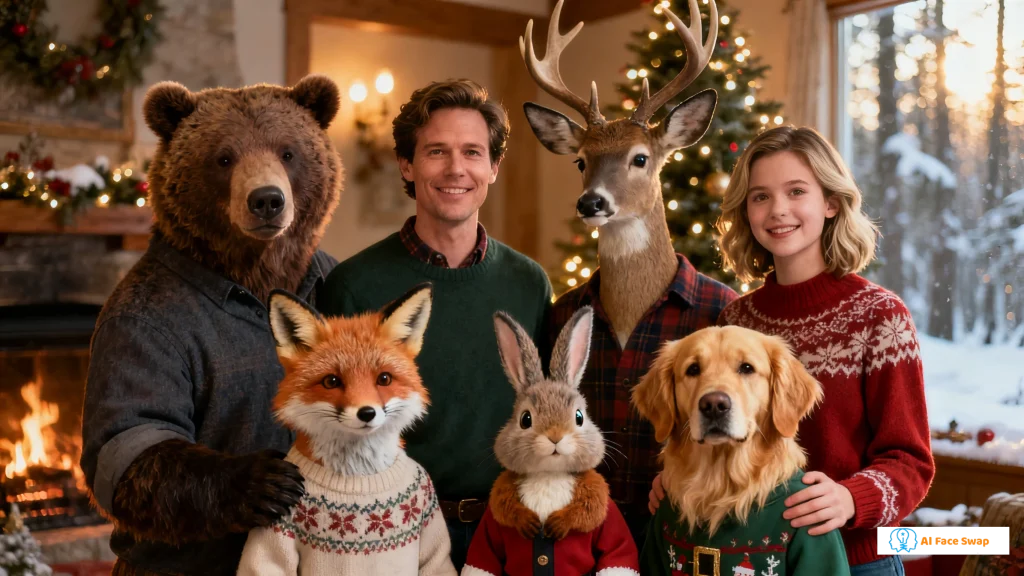
The Project: A family with a tradition of elaborate holiday cards morphed everyone—parents, kids, grandparents, even the dog—into matching woodland creatures for their annual mailing.
Why It Works: Most holiday cards get glanced at and discarded. This one ended up on refrigerators because it was both technically impressive and genuinely funny. Recipients asked how they did it and wanted to try it themselves.
How They Did It: Professional family photo session first to ensure matching lighting across all subjects. Morphed each family member onto a different forest animal using AIFaceSwap. Designed the final card layout in Photoshop with a "The [Family Name] Forest" theme.
Key Takeaway: The visible effort elevated it from gimmick to art project. Using consistent source lighting and a cohesive theme made it feel professionally designed rather than randomly assembled.
What Successful Animal Face Swaps Have in Common
Looking across these ten examples, certain patterns emerge:
1. Clear Purpose: None of these were random experiments. Each had specific intent—branding, education, humor with context, community building, or personal expression.
2. Quality Threshold: They all used tools capable of producing genuinely convincing results. Low-quality filters would have undermined the entire impact.
3. Context and Framing: The best examples embedded the animal morph within a narrative or concept. Simply posting "look, I'm a tiger" falls flat. "Here's my brand persona visualized as a tiger" lands effectively.
4. Thoughtful Animal Selection: The animal choice always connected meaningfully to the project—endangered species for conservation, predators for competitive gaming, forest creatures for family unity.
5. Appropriate Distribution: They chose the right platforms and contexts for sharing—Discord for gaming avatars, Instagram for personal branding, physical prints for corporate culture.
Your Turn: Creating Something That Works
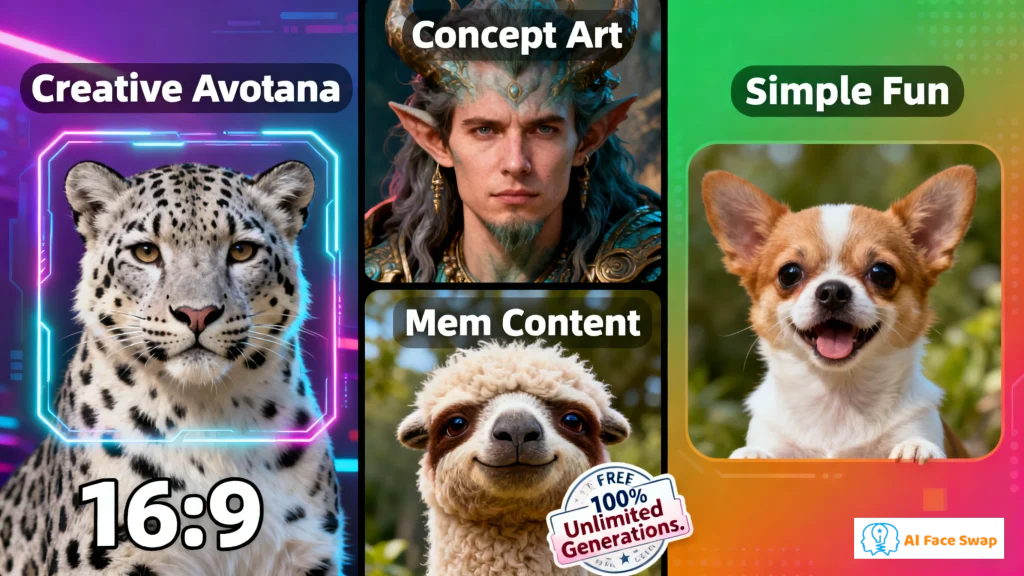
Now you have both the technical process and creative inspiration. Here's how to approach your own project:
Before you start generating, ask yourself:
- What's the purpose? (branding, humor, education, identity)
- What animal matches that purpose? (symbolism matters)
- Where will people see it? (social media, print, profile picture)
- What's the one-sentence story? (can you explain the concept simply?)
Then follow the technical process:
- Prepare quality source photos (human + animal)
- Use AIFaceSwap for best results
- Generate and review
- Refine presentation (cropping, context, caption)
- Share with appropriate framing
The tools are free and simple. The hard part is the concept—but the ten examples above prove that when animal face swaps are used with intention and context, they graduate from novelty filters to legitimate creative assets.
The technology has been solved. What matters now is what you choose to create with it.
Conclusion
The barrier between human creativity and technical execution is disappearing. What used to be a tedious manual editing task is now an instant, automated process.
By understanding the unique geometry and texture challenges of animal faces, modern AI tools provide a level of realism that was previously impossible for non-professionals. If you are looking to experiment with digital identity or just want to create something wild, this Animal Face Swap tool is the most efficient way to do it.