



What's New
Free Teeth Whitening Photo Editor: Brighten Your Smile Online
Are you still embarrassed by yellow or stained teeth and afraid to smile in photos? No worries. Try our free teeth whitening photo editor to automatically remove stains, no Photoshop skills required. Fast, batch processing, one-click teeth whitening for a brighter smile.

Whiten Teeth in Your Photos Online
How to Whiten Teeth in Photos with AI?
Whiten teeth in photos without any Photoshop experience, just upload your image to the free teeth whitening photo editor, and AI will automatically remove yellow stains in 5 seconds.
Upload your photo
Upload your photo to our free teeth whitening app, or select a template to quickly see the results.
💡Tips for better results:
✓Choose a clear photo
✓Avoid overly bright or dark lighting
✓Smile facing the camera with teeth showing
Click to start
You can choose to keep the original size of your image or select a size better suited for social media sharing. After clicking the button, just wait 3–5 seconds for the result.
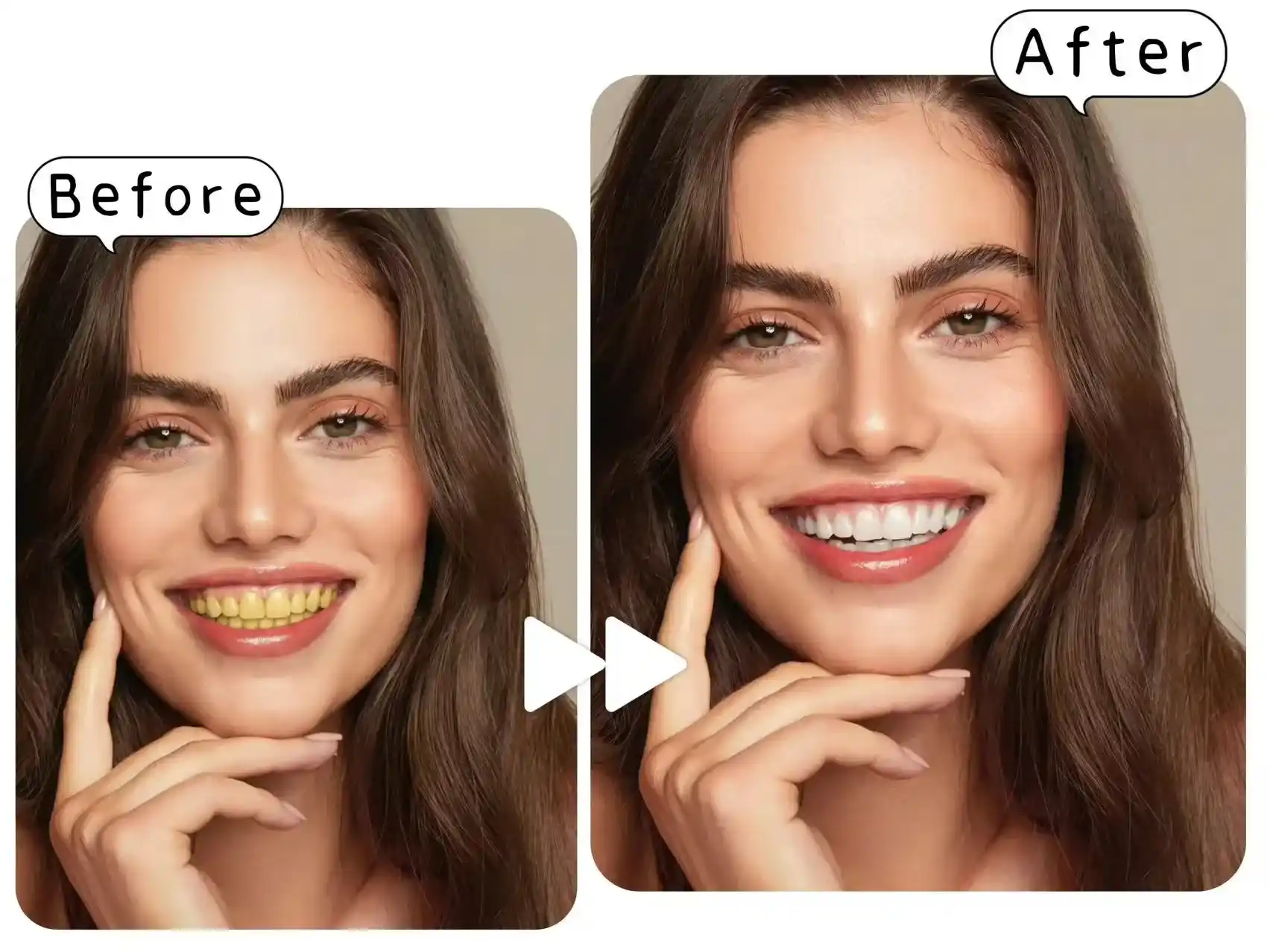
Make Teeth Whiter in Photos with One Click
Don’t let yellow teeth ruin your perfect selfie. Our free teeth whitening photo editor works like professional photo editing software but is much simpler, just one click removes yellow stains and discoloration, making your teeth look bright and healthy. The results look natural, so you can confidently show off your smile.
Whiten Teeth in Photo for Free>>
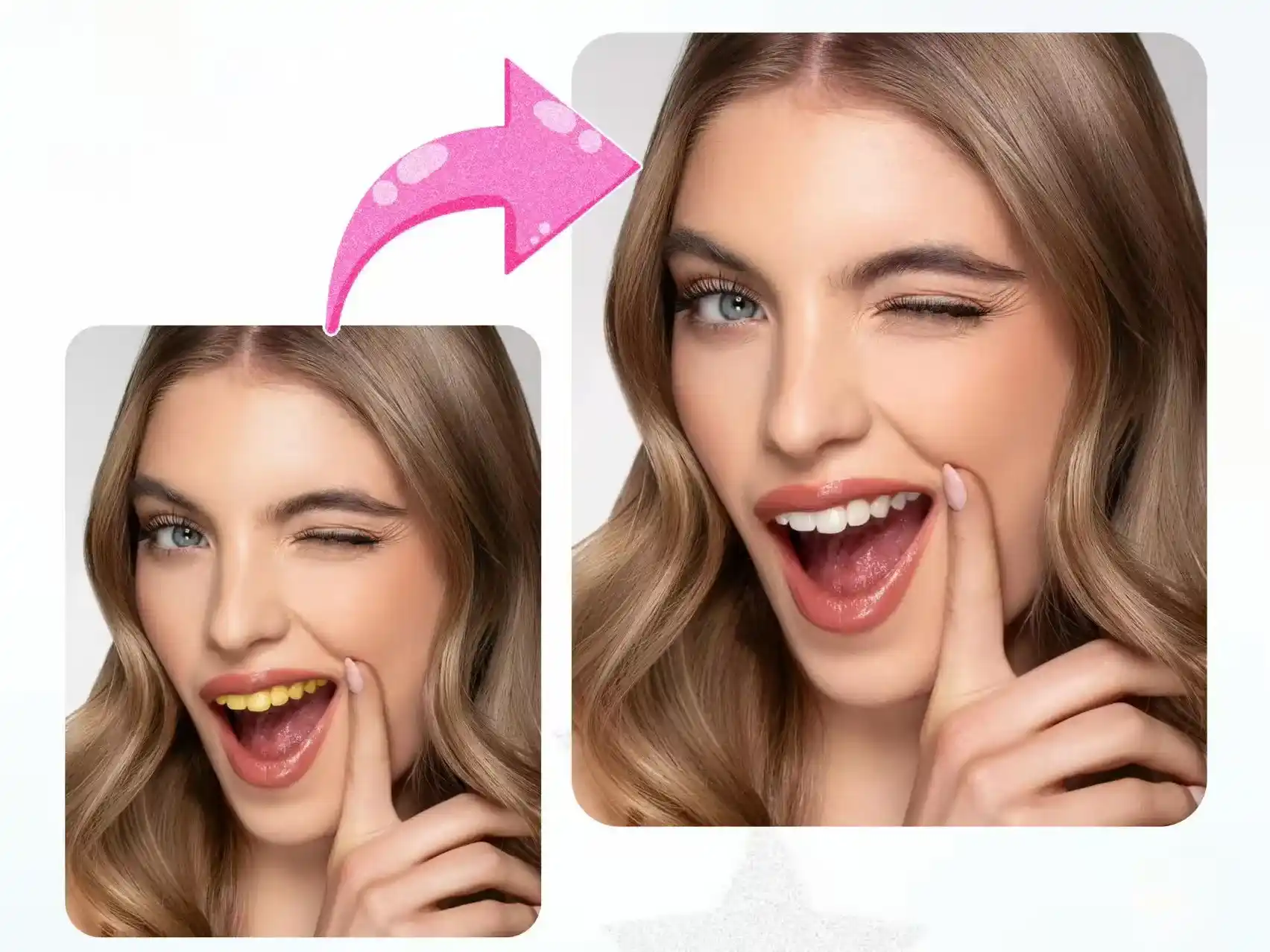
Whiten Teeth in Photos While Preserving Your Natural Face
Some AI tools not only whiten teeth but also brighten the whole face, whereas our free teeth whitening photo editor targets only your teeth for precise whitening, keeping the rest of your face natural and preserving the image resolution. After whitening your teeth, you can further enhance your photo with our AI wrinkle remover to smooth fine lines and improve your overall appearance.
Try Teeth Whitening Photo Editor Online>>
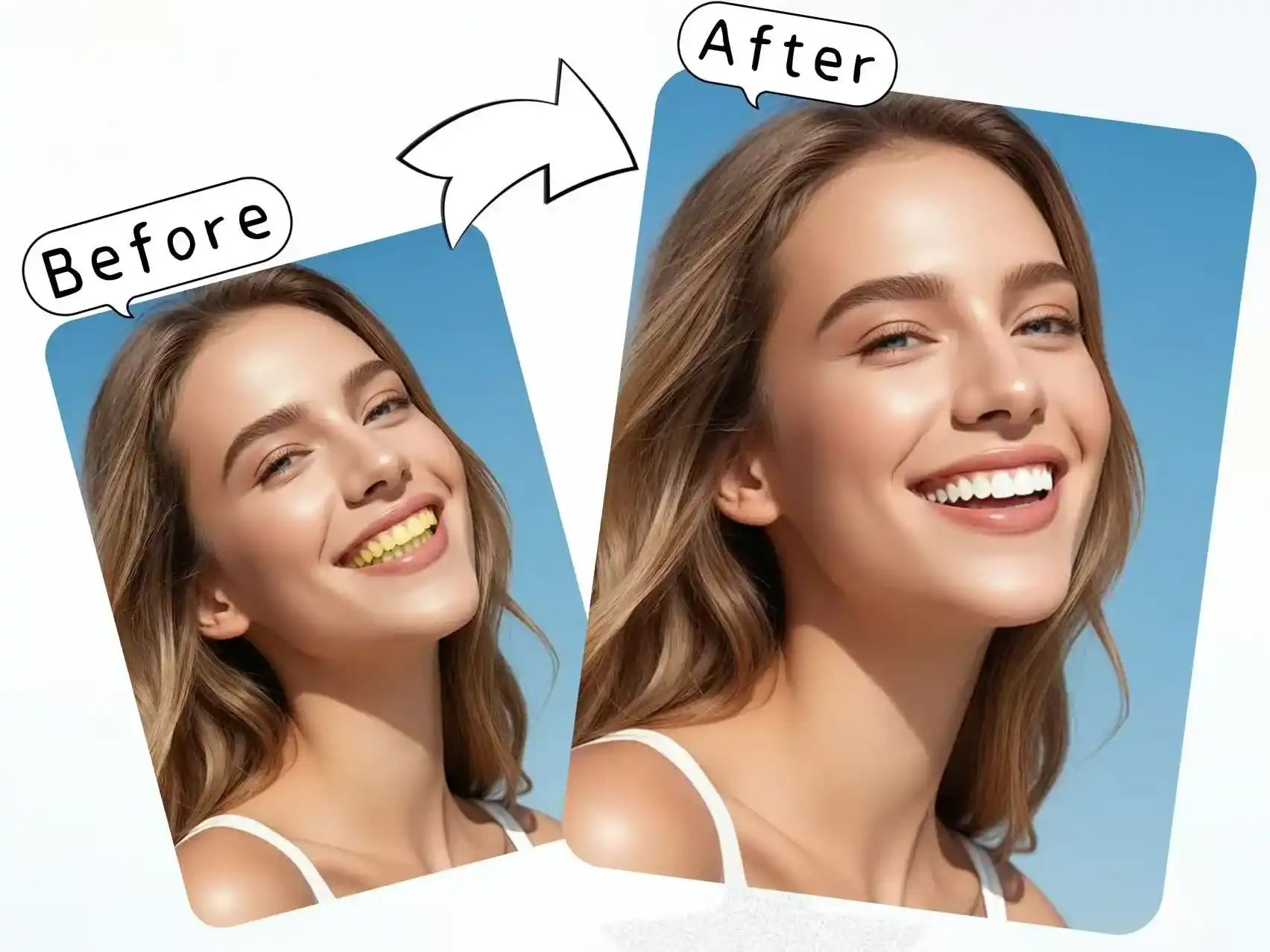
No App Needed, Whiten Teeth Online on Any Device
Our free teeth whitening photo editor works perfectly on both Android and iOS devices. No app download is needed, you can quickly remove yellow stains and visible braces marks online, delivering natural, watermark-free results.
Make Your Teeth White Now>>
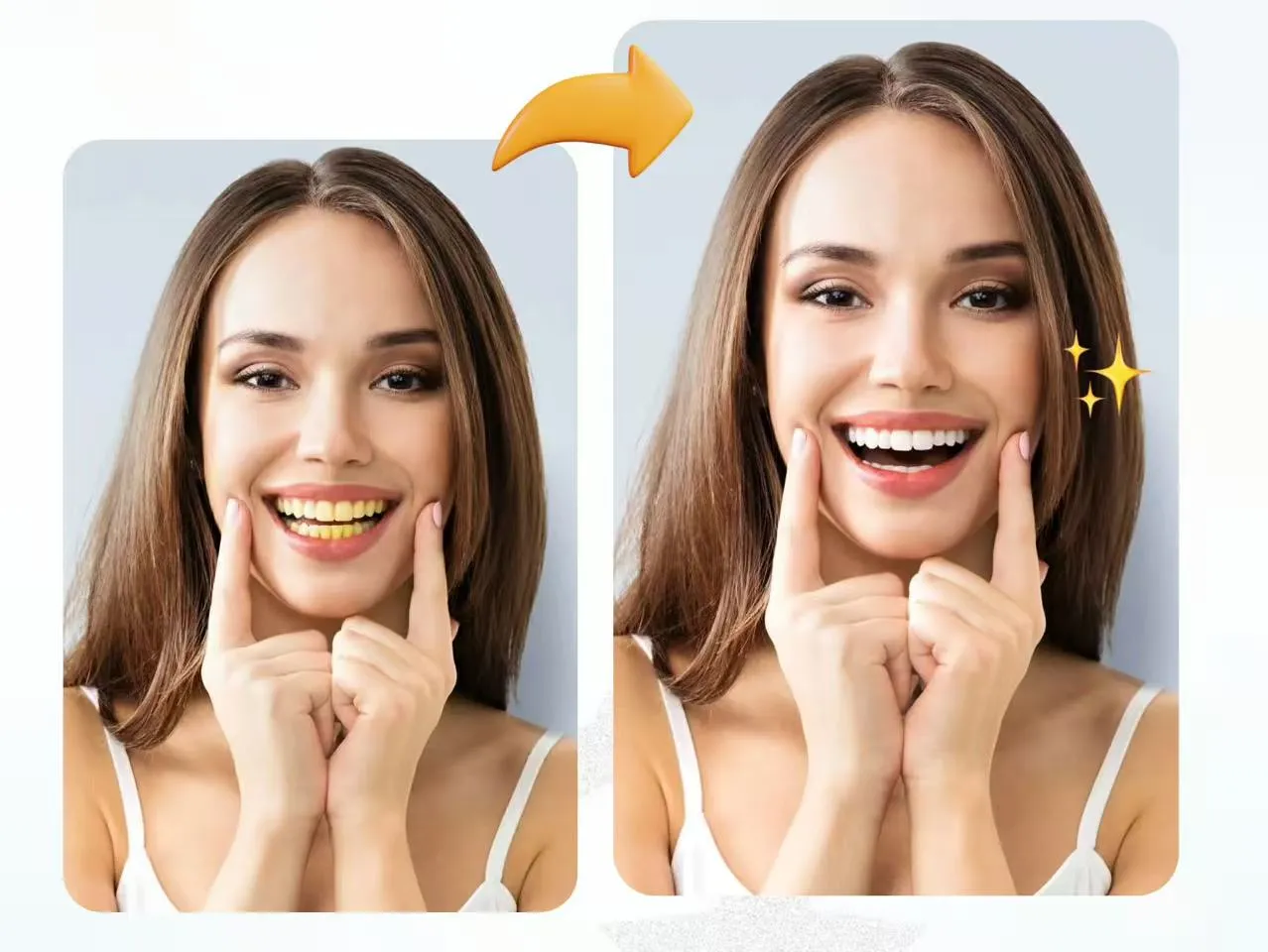
More Advantages of Our Teeth Whitening Photo Editor
Whether compared to other tools or traditional Photoshop, our teeth whitening filter offers three core advantages, making it your perfect choice.
Precise Teeth Whitening
Accurately detects and whitens teeth from any angle without affecting other parts of the photo
Fast Processing
The entire process takes only 3–5 seconds, allowing you to fix yellow teeth anytime, anywhere
100% Privacy Protection
Your original images are never stored or backed up, ensuring 100% privacy protection.
AI Teeth Whitening Photo Editor for Every Formal Photo
Not just for everyday selfies, ID photos, passport shots, or wedding pictures, whenever you're not happy with your teeth, use our teeth whitening photo editor to fix them.
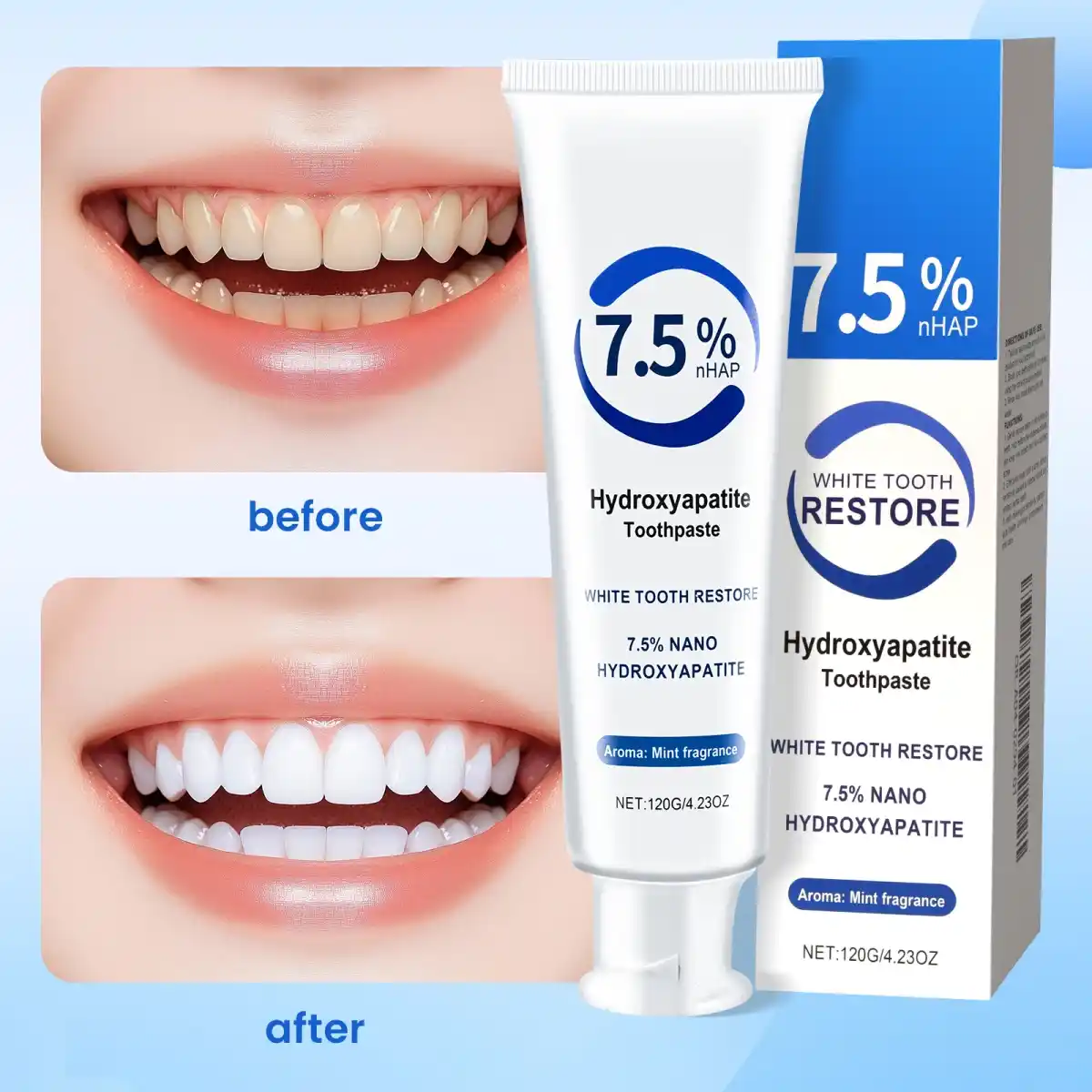
Teeth Whitening for Product Ads
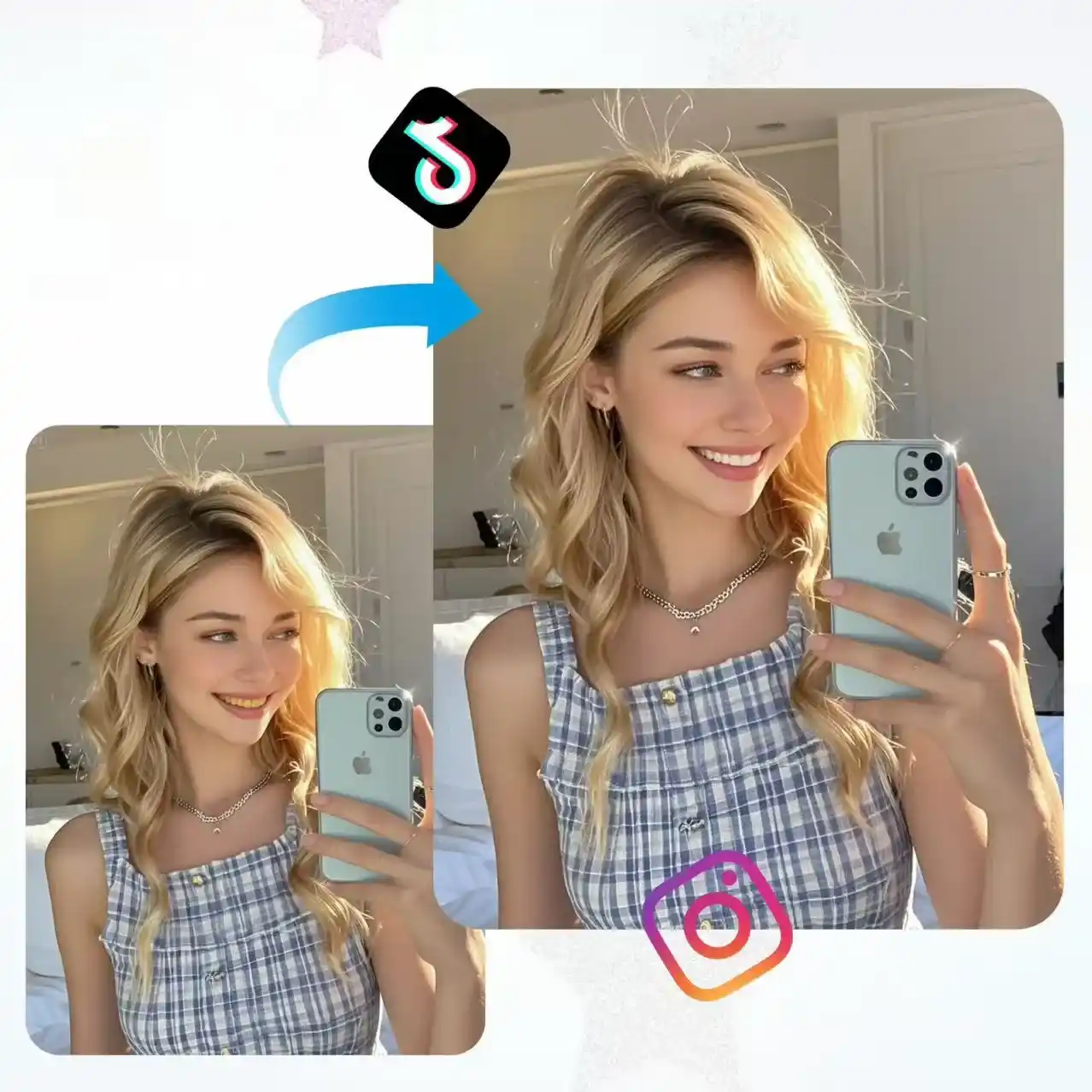
Free Teeth Whitening App for Social Selfies
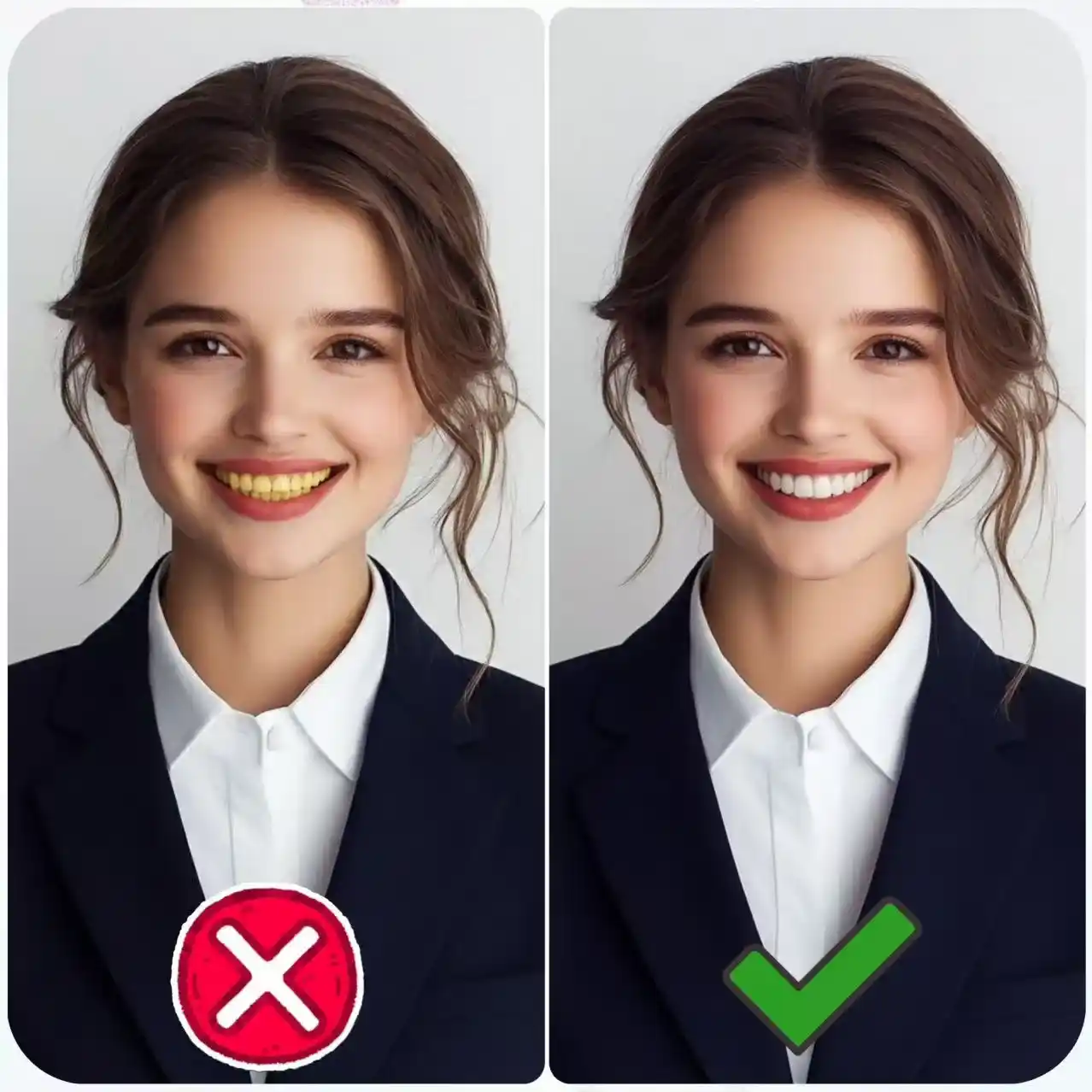
Enhance ID Photos with AI Teeth Whitening
FAQs for Teeth Whitening Photo Editor
If you have any questions while using our teeth whitening filter, please contact us immediately.

