



What's New
Free AI Magic Eraser Online Remover
Instantly remove unwanted objects with free Magic Eraser, people, or text from photos. Simply upload a photo with one click, select the parts you want to remove, erase them, and then download and share. free to use and no limits!
Remove Any Objects from Photo For Free Online
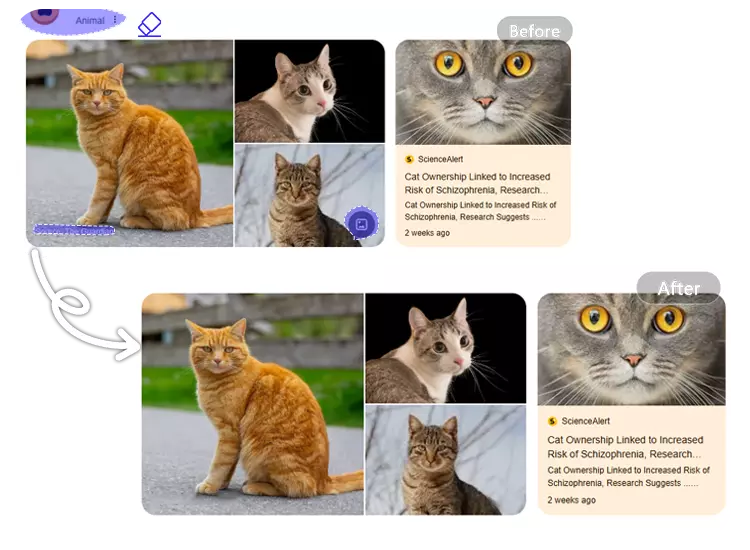
Remove objects from photos in just seconds using the AI Magic Eraser. This includes, but is not limited to, people, text, logos, and more.
Why Is Everyone Switching to Our Magic Eraser?
Traditional image editing tools require time and skill. Our generative AI-powered magic eraser, however, can understand image content, intelligently remove objects, and fill in blank areas.
10x Faster
Remove objects from photos in seconds, not minutes.
Context Aware
Our Magic Eraser reconstruct textures and lighting naturally.
100% Privacy
Your photos are processed securely and deleted automatically within 24 hours.
What Problems Can the AI-powered Magic Eraser Help You Solve in Which Scenarios?
Explore the best SaaS template in the market in a short 1-minute video.
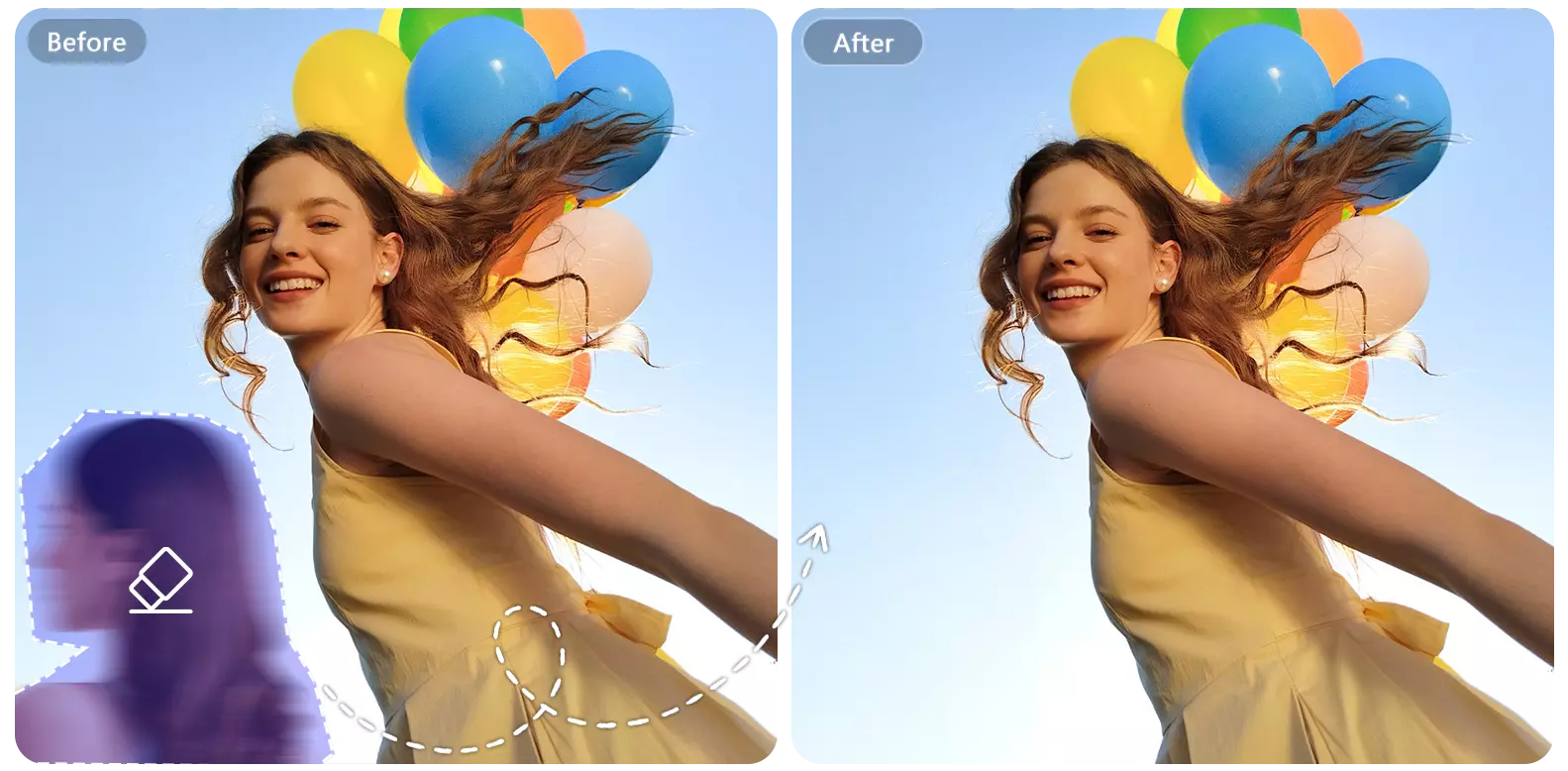
Magic Eraser for Clean Travel Photos — Free AI Objects Remover
Use the magic eraser tool to instantly remove tourists, cars, or random objects from your travel shots, giving you clean, postcard-ready photos that look professionally captured.
Try Cleaning Travel Photo >>
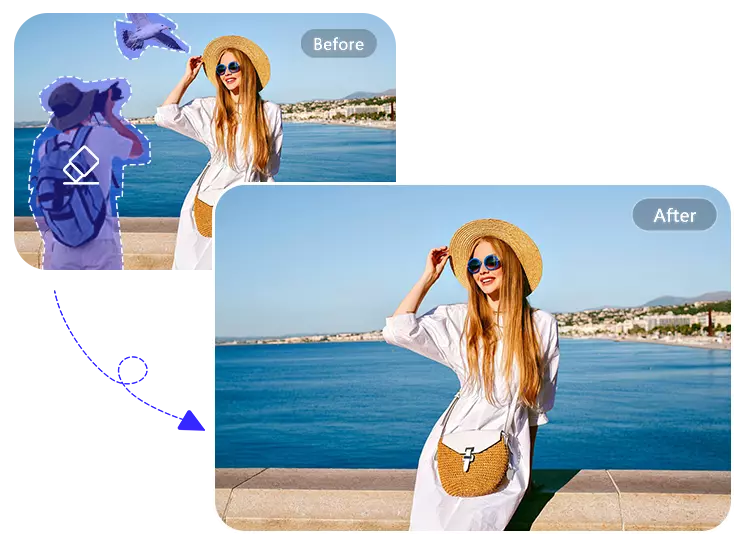
Remove Unwant Elements for Social Media Posts
With the online magic eraser, easily erase clutter, strangers, or distracting elements so every photo looks polished, aesthetic, and ready for Instagram, TikTok, or any other social platform.
Remover Unwant Objects >>
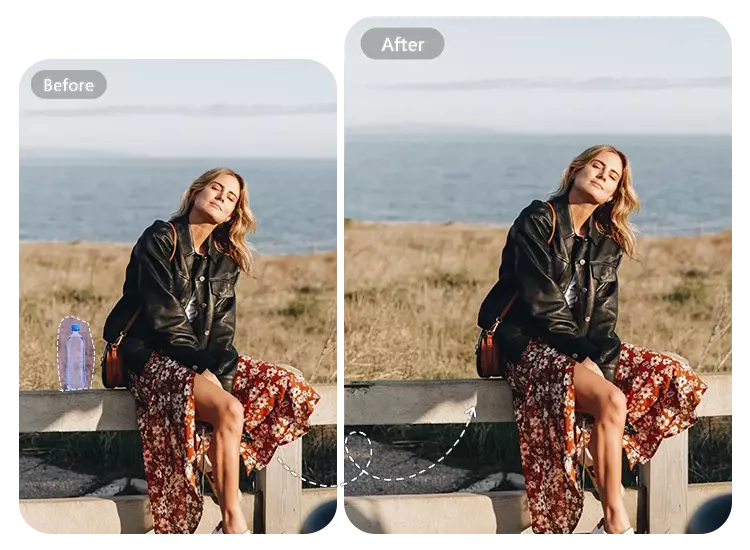
Remove Unwanted Objects from Product Images for E-commerce Sellers
Perfect for e-commerce sellers—use the Magic Eraser technology to clean up backgrounds, remove props, and highlight your products with studio-quality results, thereby increasing conversion rates.
Remove Unwant Objects >>
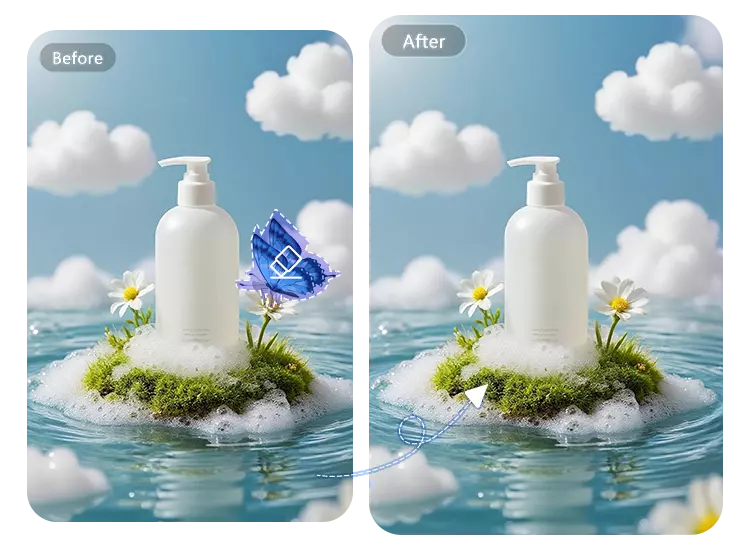
Clean Up Clutter in Your Screenshots with AI Magic Eraser
Use this online magic eraser tool to quickly remove sensitive information, icons, or user interface distractions, leaving your screenshots clean, safe, and ready for presentations.
Clean UP Clutter Now >>
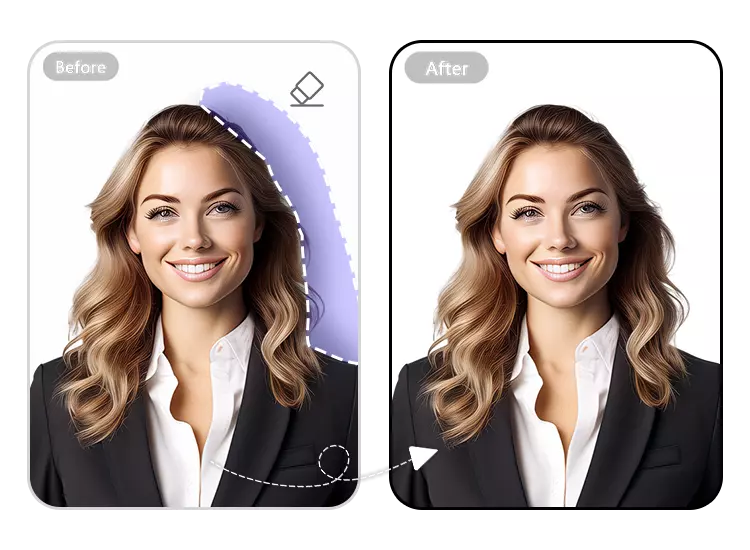
Remove Obscure Elements from ID Photos with the Magic Eraser
Our AI-powered Magic Eraser easily erases shadows, objects, or text from ID photos and portraits, creating clean, professional images suitable for resumes and official documents.
Enhance ID Photos Now >>
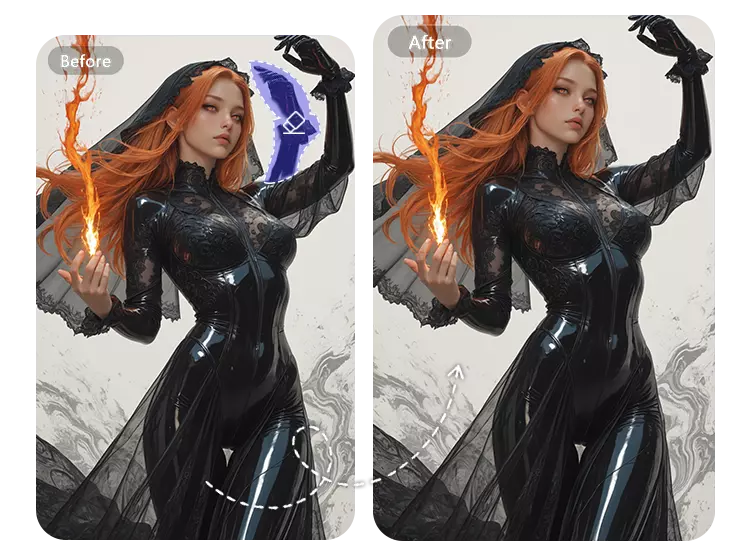
Clean Up Your Artwork with AI Magic Eraser
You've probably often encountered situations where generated artwork contains unnecessary parts. Magic Eraser removes blemishes, extra limbs, or unwanted details from generated artwork, giving your creative or AI-generated pieces a clean and refined final result.
Clean up AI-generated Artwork >>
How Does It Work?
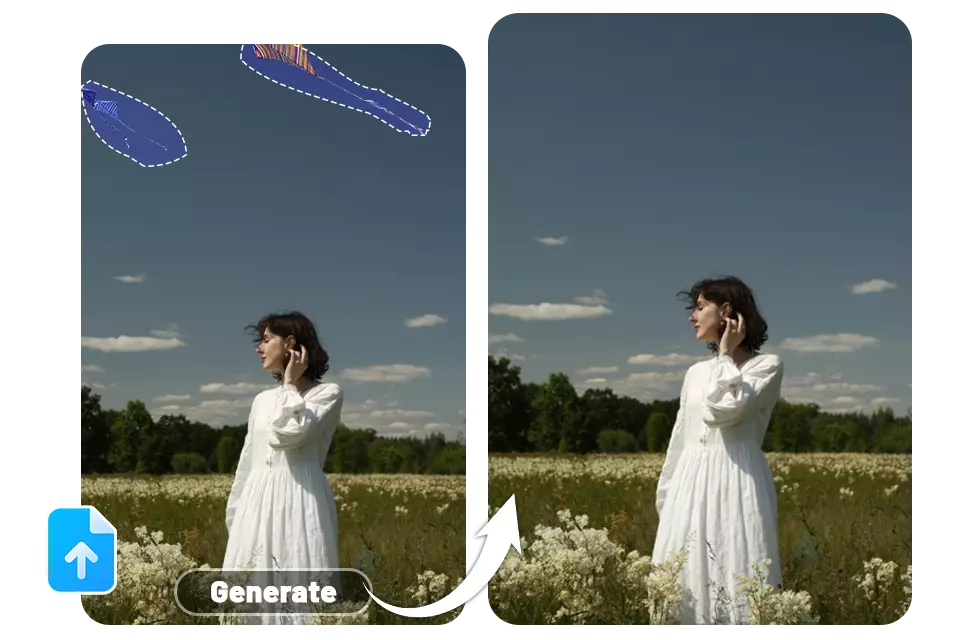
Use the magic eraser to remove unwanted parts of the photo. It only takes 3 steps.
Upload Your photo
Choose a photo from your device and open it in the AI Magic Eraser tool.
Highlight What You Want to Remove
Brush over any object, person, text, or distraction you want erased.
AI Auto-Removes & Download
Magic Eraser instantly cleans the image and fills the background naturally—download your high-quality, watermark-free result.
What Customers Say About AI Magic Eraser?
Users who have used the magic eraser have given positive feedback, and some representative comments are as follows.
This Magic Eraser is easier to use than I expected. I often capture strangers in my travel photos, and a quick swipe with it removes them, filling the background very naturally. However, it performs slightly worse with complex shadows, but overall it's very good.
--Maray Amiri @touristAs an e-commerce seller, I mainly use it to remove clutter from product images. It processes quickly, saving me a lot of time. Occasionally, I need to manually adjust the edges, but it's more than enough for a non-professional like me.
--Smith Jata @e-commerce sellerI often need to send screenshots for work, and this tool has saved me a lot of trouble. It can quickly delete private information and unnecessary icons, and the result is quite clean. I hope that batch processing functionality can be added in the future; that would be perfect.
--Sarah Johns @office workerFrequently Asked Questions
Got a question? We've got answers. If you have some other questions, see our support center.
1.Pedestrians, vehicles, power lines, and other debris
2.Text, labels, logos, watermarks
3.Obstructions in the background of product images
4.Abnormal details in AI-generated images
Almost any object you don't want in your photos can be handled.

