



What's New
Free Seedance 2.0 - Multimodal AI video Generator Online
Powered by the advanced ByteDance Seedance model, instantly create stunning cinematic videos with free Seedance 2.0 AI video generator through multimodal inputs — including prompts, images, audio, and video. Enjoy precise control over video details, seamless smooth transitions, and dynamic close-up and wide-angle camera effects.
Free Bytedance Seedance 2.0 Online Playground
Whether you use prompts, audio, images, or video, you can create blockbuster quality videos in just a few clicks with free Seedance AI.
How to Use Free Seedance 2.0 AI Video Generator?
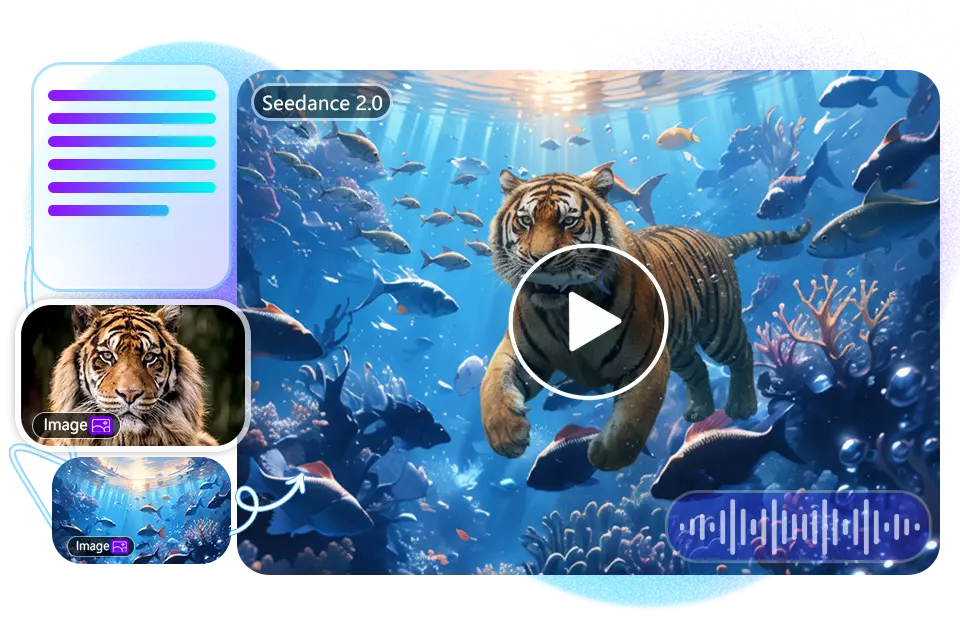
Upload Multimodal References
Open the Seedance 2.0 AI video creator and upload reference images, videos, and audio to provide Seedance AI with insights into style and movement, ensuring consistency and style in your videos.
Set Prompts and Output Parameters
In the free version of Seedance 2 AI, enter your Seedance prompts: including the video's scene, storyline, lighting, character actions, and style. Subsequently, select the aspect ratio, resolution, and duration for your video output.
Generate and Download Videos
Start generating your video; the process is fully automated by AI. Wait a few seconds to preview and download the video. You can also enhance details or zoom in to increase resolution. Share to social media platforms with a single click.
Can't wait? Want to try ByteDance's Seedance 2.0 AI video generator right now?
What Are Features of Seedance 2 AI Video Generator?
Building on ByteDance's Seedance 1.0 large model, the free Seedance 2.0 AI delivers a significant performance upgrade, with several standout improvements in particular.
Powerful Multimodal Input Support in Seedance 2.0 AI
Compared to simple text-to-video or image-to-video tools, Seedance 2.0 supports multimodal inputs simultaneously — text prompts, images, videos, and audio — resulting in videos with finer details and richer content.
Create Seedance video with Multimodal Reference >>
Precise Camera Movement and Lens Switching
With Seedance 2.0, creating zoom-in and zoom-out shots along with fast cinematic transitions is incredibly easy. Simply provide clear prompts and reference materials to generate videos with the dynamic camera feel of professional blockbuster scenes.
Start Bytedance Video Generation >>
Instantly Edit Video with Free Seedance 2.0 Video AI
Enjoy powerful video editing without professional software. Simply tell Seedance AI how you want your video edited, and it will automatically transform it into the exact style and result you want.
Edit Video Online with Seedance Pro >>
Create Realistic Lip Sync Videos with Seedance AI
One-Click Voiceover is a key feature of Seedance 2.0. No need for separate software — just enable the voiceover feature, and the AI will automatically generate lip-synced audio based on your video content.
Create Lip Sync Video with Seedance AI >>
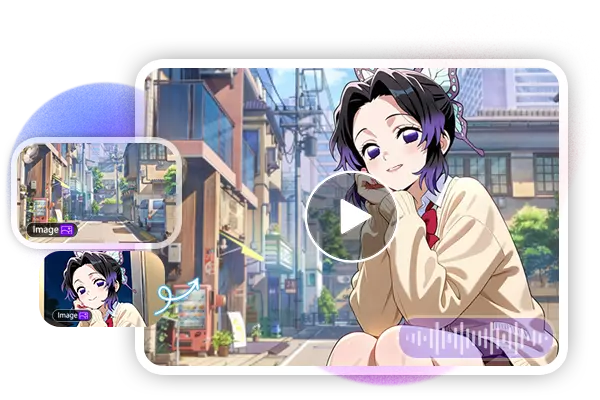
Case Study: What Can Seedance 2.0 AI Video Generator Do?
From Seedance 1.0 to Seedance 2.0, video processing capabilities have steadily advanced, offering valuable applications across a wide range of industries. Its main uses include the following.
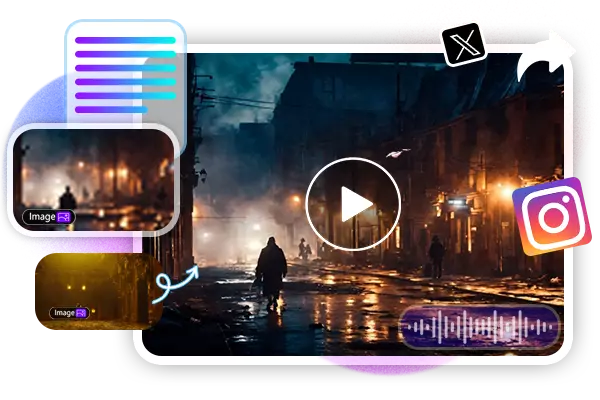
Creating Viral Social Media Videos
Use Seedance 2.0 AI to produce eye-catching social media videos that increase exposure and attract more followers.
Create Brand Promotional Videos
Creating a professional brand video no longer requires an expensive production team, Seedance AI makes it possible.
Short Drama and Microfilm Production
No directing skills or filming team required, a single creator can produce a short drama or short film on their own.
Create Cool Gaming Videos with Seedance 2.0
Create different promotional videos for different game characters, making game marketing more effective and efficient.
Happy Customers
Join thousands of satisfied customers using our template globally.





Seedance 2 AI Video Creator FAQs
Got a question? We've got answers. If you have some other questions, see our support center.

