
What's New
Grok Imagine AI Video Generator
Try Grok Imagine for free and explore instant image and video generation. From short films and animation design to industry ads, fulfill all your creative ideas for video creation.
Try Grok Imagine for Unlimited Video Creation
Grok Imagine AI Video Generator for Every Creative Idea

Viral Pet Videos

Futuristic Tech Concepts

Cinematic Film Scenes
Turn Text or Multiple Images into Cinematic AI Videos
No longer limited to generating videos from a single image, Grok Imagine video generator supports up to 7 reference images in addition to text input. It provides visual guidance across multiple dimensions, from character consistency and scene structure to style details, making your videos more aligned with your vision. At the same time, you can use Grok Imagine AI image generator to create images first and then extend them into dynamic videos.
Try Grok Image to Video for Free >>
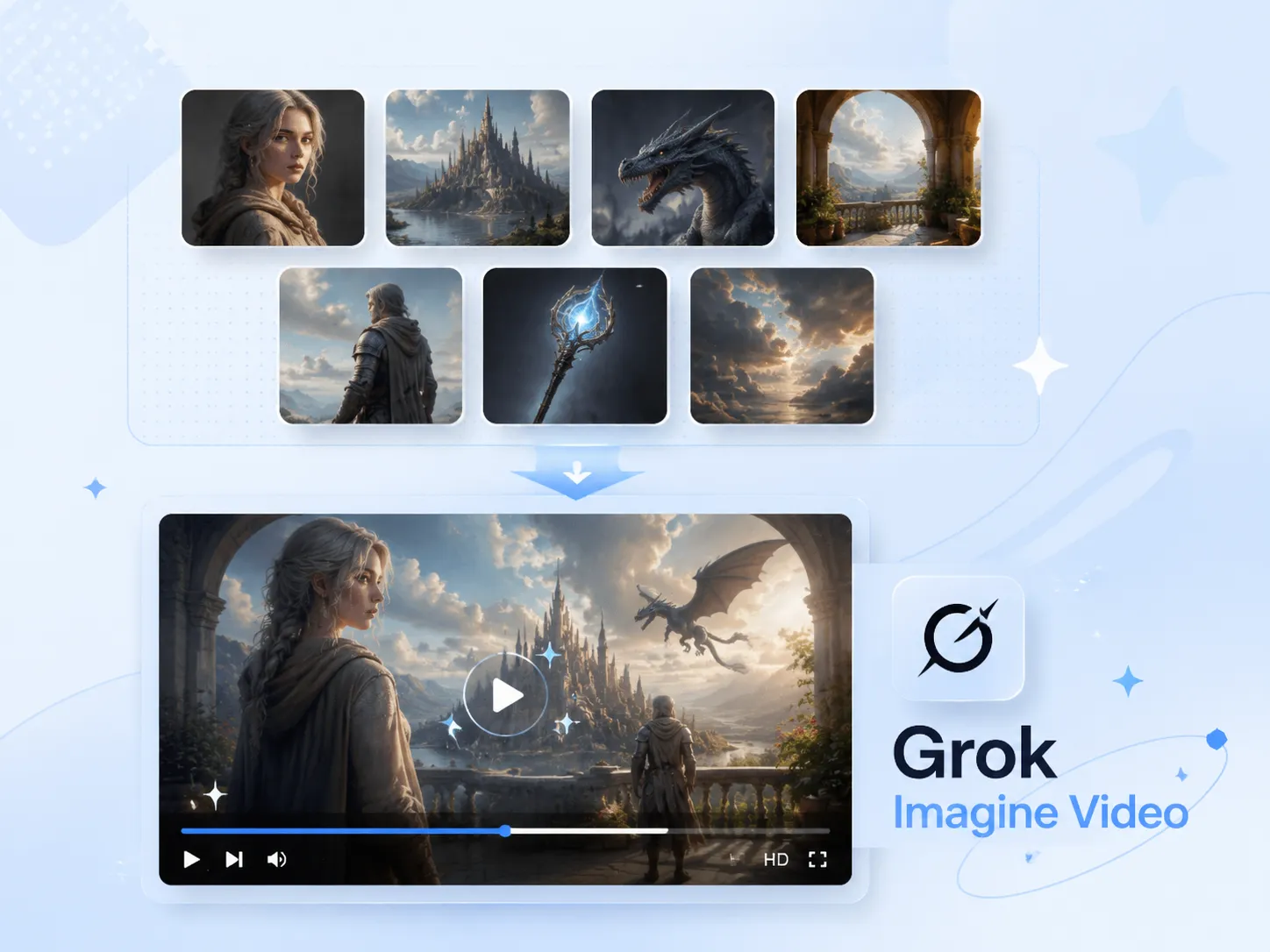
Discover Two Creative Generation Modes with Grok Imagine Video
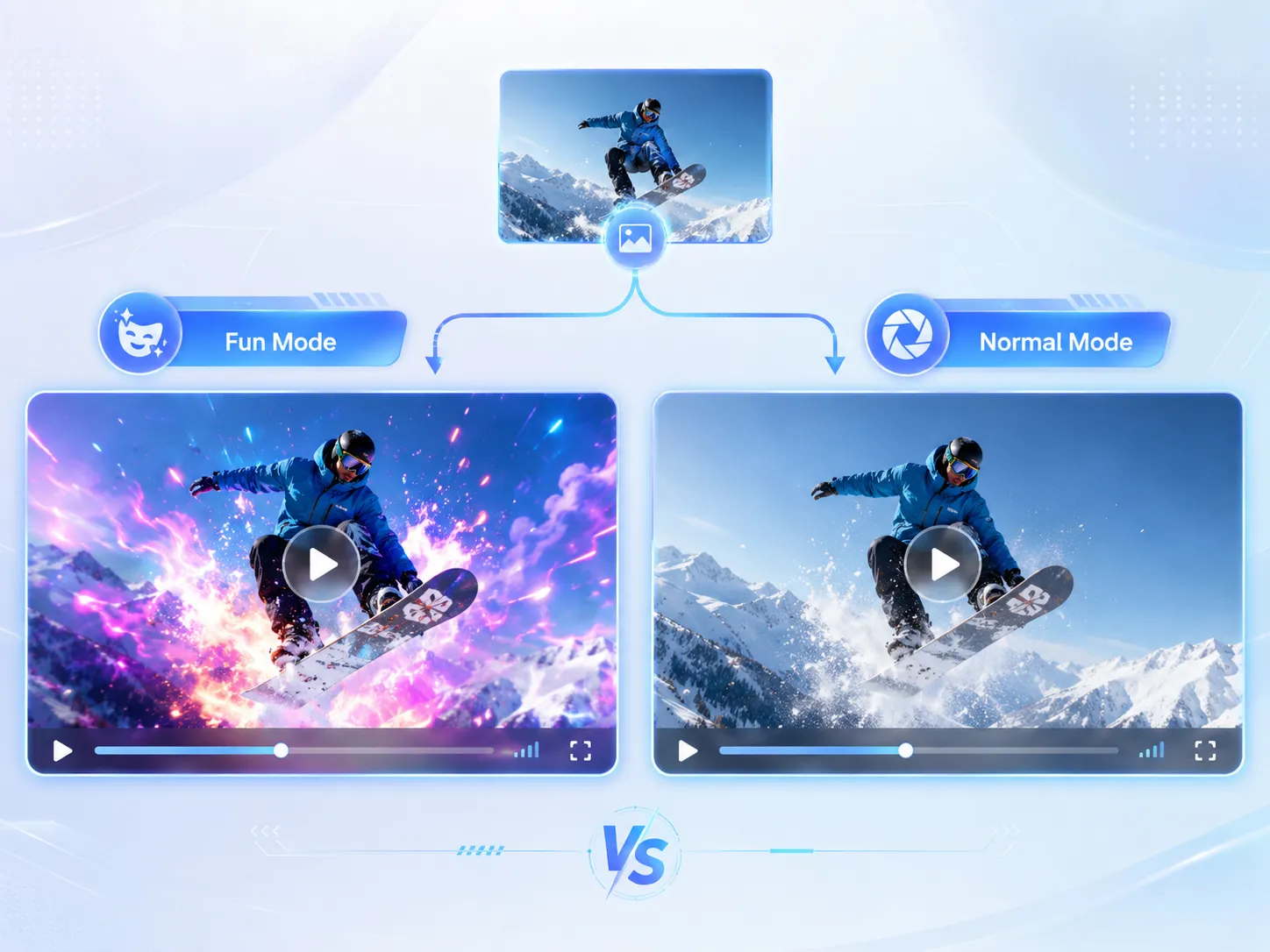
Grok Imagine video generator offers two different creative generation modes, allowing flexible selection based on your needs. Fun Mode focuses on more playful and highly creative dynamic effects, producing content that is expressive and visually striking, while Normal Mode is more balanced, emphasizing realism and natural video creation.
Create Stunning AI Videos >>
Create More Immersive Videos with Perfect Audio-Video Sync

Many video AI models claim to support audio-video sync, but in reality, they typically generate the video first and add audio afterward. Grok Imagine video generator achieves true audio-video synchronized generation, ensuring that visual rhythm and sound beats are perfectly aligned, and that movements, lip-sync, and sound effects remain fully consistent, delivering a truly immersive viewing experience.
Customize Your AI Video >>
Transform Trending Topics into Engaging AI Videos for Social Media

With Grok Imagine Video, you can easily turn trending topics into creative AI videos, making content creation faster and more engaging. Capture real-time trends on X or popular topics on YouTube, and use Grok AI video generator to produce visually striking videos with instant visual restyling across multiple styles, allowing each video to showcase a unique artistic flair and visual expression while staying aligned with trending content.
Explore Grok Imagine Video Online >>
Step-by-Step Guide to Using Grok Imagine Video Generator
Customize your AI videos in the fastest and easiest way with Grok AI video generator in just 3 steps. Describe your ideas, and Grok Imagine will turn them into reality.
Choose Generation Mode
Choose the generation mode that fits your style: text to video or image to video, both are easy and intuitive.
Customize Your Video
Describe your video or upload images based on your chosen mode. Not just one or two images, Grok Imagine video generator supports up to 7 reference images.
Waiting for Generation & Download
Set your video's aspect ratio, duration, and generation mode, then wait for generation. For more creative videos, try selecting Fun Mode.
Grok Imagine Loved by Thousands of Users
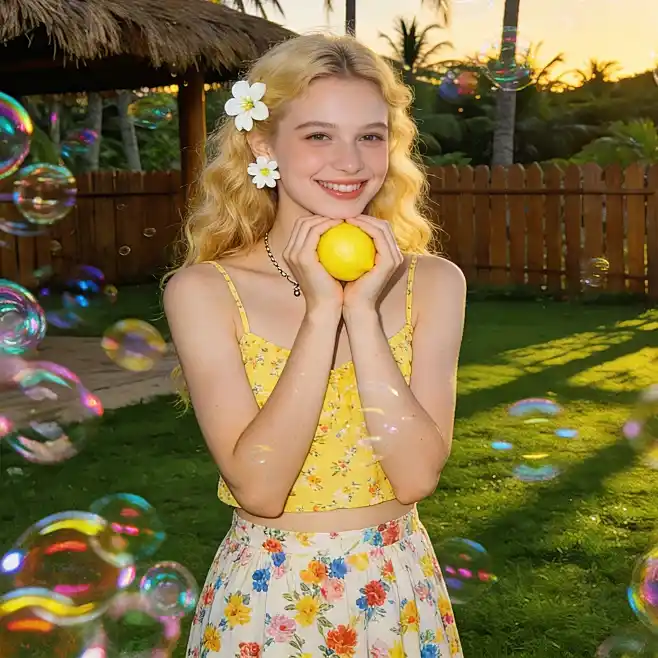
I used the Fun Mode of Grok Imagine video generator to create some short videos, and the overall results were more expressive than I expected. The visuals have a lively pace and really stand out on Twitter.
--Sophia Chen
Content Creator
Using Grok AI video generator to produce product visuals delivers results comparable to professional work. After uploading 7 reference images, the output became more stable and consistent in style, so it's ready for ad use right away.
--Raj Kumar
Marketing Manager

I rely on Grok Imagine video generator to create short films, and the process is very smooth. Videos up to 30 seconds long meet my needs, and although a few details require tweaking, the fast generation speed makes it perfect for testing creative ideas early.
--Elena Martinez
Short Film Director
Grok Imagine Video Generator FAQs
Have questions about our Grok AI video generator? You'll find the answers here. For anything else, just send us your feedback by email.
Discover More AI Video Models We Provide
Ready to Create Stunning AI Videos with Grok Imagine?
No strings attached. No credit card required. Experience the Grok Imagine AI Video Generator right now.

